
We provide Shadow Clock online (apkid: shadow.clock) in order to run this application in our online Android emulator.
Description:
Download this app named Shadow Clock.
My first application in the Play Store!!!Required to use these widgets:
Zooper Widget Pro (Pro is needed for apk skins)
Media Utilities For the music widget only
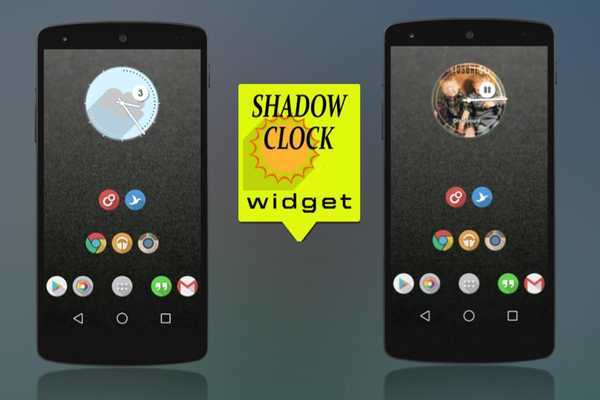
Shadow Clock is a simple Zooper Widget of 2 Analog Clocks
- Analog Clock with a shadow weather and hour
- Analog Clock with a shadow weather and the number of the day.
When you press the circle music star playing and the cover of the artist show.
How to use:
1.
After installation, place a Zooper Widget (of needed size) on the screen from your list of widgets.
2.
A panel with a complete list of all Zooper Widget Skins will appear.
Shadow Clock and then in the following list, choose the one that you want.
3.
For Music widgets: press the circle and music star playing and the cover of the artist show.
Go to Media Utilities > menu > Settings > Check Zooper Widget > Attempt direct control > Make coverart aviable > Coverart Shape - Circle > Send Song ProgressScroll
DONE!!!
IF YOU LIKED PLEASE RATE IT
Bigg Thanks to wgilles from xda for let me use the Long Shadow Icons - http: //goo.gl/8xXwiI
Contac me via email [email protected] or my G+ http: //goo.gl/yGXnmr
Updates:
Free download Android Shadow Clock from MyAndroid.net
MyAndroid is not a downloader online for Shadow Clock. It only allows to test online Shadow Clock with apkid shadow.clock. MyAndroid provides the official Google Play Store to run Shadow Clock online.
