
We provide Navegati FTP online (apkid: www.navegati.ftpfacil) in order to run this application in our online Android emulator.
Description:
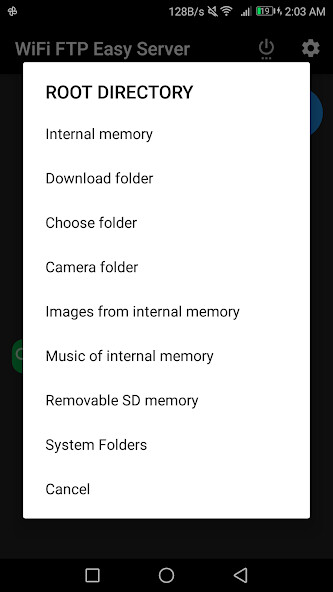
Run this app named Navegati FTP using MyAndroid.
You can do it using our Android online emulator.
The easiest way to share documents, photos, music, videos to the
computer with connection to WiFi or Access Point and without connecting
the cell phone cable by FTP server
For an easier way use the website: www.navegati.com
Enter the 4-number code after pressing the Start button.
the Navegati FTP app.
Multiple language options
User or password configuration and remember it (optional), since it comes
by default random user and code
Option to change Port
Copy from micro SD card to computer, "do not copy from computer to
micro SD"
I hope you like using Navegati FTP, maybe somewhere
Now have a small non-intrusive advertising banner at the end.
computer with connection to WiFi or Access Point and without connecting
the cell phone cable by FTP server
For an easier way use the website: www.navegati.com
Enter the 4-number code after pressing the Start button.
the Navegati FTP app.
Multiple language options
User or password configuration and remember it (optional), since it comes
by default random user and code
Option to change Port
Copy from micro SD card to computer, "do not copy from computer to
micro SD"
I hope you like using Navegati FTP, maybe somewhere
Now have a small non-intrusive advertising banner at the end.
MyAndroid is not a downloader online for Navegati FTP. It only allows to test online Navegati FTP with apkid www.navegati.ftpfacil. MyAndroid provides the official Google Play Store to run Navegati FTP online.
