
We provide Secure text/image viewer to pin documents online (apkid: viewr.my.textimageviewer) in order to run this application in our online Android emulator.
Description:
Run this app named Secure text/image viewer to pin documents using MyAndroid.
You can do it using our Android online emulator.
Many of us keep various documents and photocopies on our phones.
Sometimes we need to show a document to another person.
For example, to an office worker or a police officer.
We hand over the phone to them.
But, it is risky when the phone remains unlocked.
The person who is holding your phone may gain unauthorized access to your phone.
Android, starting with version 5, supports pinning applications.
No one except the phone owner can exit the pinned application.
However, to ensure security, the pinned application should not allow third parties to access your contacts, your device storage, etc.
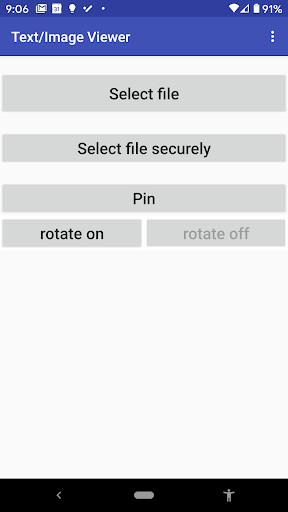
This simple application ensures that when you pin the application, third parties can only access the current document and nothing else.
The viewer opens the following contents: text files, images (JPG, PNG and GIF formats), videos (MP4 format), and PDF documents.
Text files, images and videos are opened with the standard Android HTML viewer.
PDF documents are open with the internal PDF viewer.
Author: Yury Dubinsky ( [email protected] )
Version: 1.0 (2019).
This viewer is free and open source.
https: //github.com/dyura/TextImageviewer
Sometimes we need to show a document to another person.
For example, to an office worker or a police officer.
We hand over the phone to them.
But, it is risky when the phone remains unlocked.
The person who is holding your phone may gain unauthorized access to your phone.
Android, starting with version 5, supports pinning applications.
No one except the phone owner can exit the pinned application.
However, to ensure security, the pinned application should not allow third parties to access your contacts, your device storage, etc.
This simple application ensures that when you pin the application, third parties can only access the current document and nothing else.
The viewer opens the following contents: text files, images (JPG, PNG and GIF formats), videos (MP4 format), and PDF documents.
Text files, images and videos are opened with the standard Android HTML viewer.
PDF documents are open with the internal PDF viewer.
Author: Yury Dubinsky ( [email protected] )
Version: 1.0 (2019).
This viewer is free and open source.
https: //github.com/dyura/TextImageviewer
MyAndroid is not a downloader online for Secure text/image viewer to pin documents. It only allows to test online Secure text/image viewer to pin documents with apkid viewr.my.textimageviewer. MyAndroid provides the official Google Play Store to run Secure text/image viewer to pin documents online.
