

We provide Workout Timer online (apkid: sr.mls.com.gymbluetoothtimer) in order to run this application in our online Android emulator.
Description:
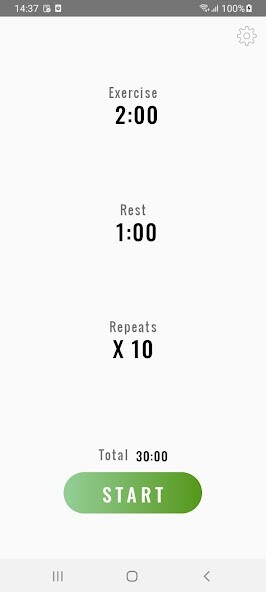
Run this app named Workout Timer using MyAndroid.
You can do it using our Android online emulator.
BTimer's real power is revealed when you use it with Bluetooth headphones that allows you to hear alarms and restart remotely without any interaction with your device, also has full background work support.
The Timer can be controlled via:
1.Bluetooth headphones media controls and volume* buttons.
2.Device's volume buttons, display and notification panel.
-Video recording feature that allows you to record yourself from a different point of view to follow your technique or share with your friends/coach.
-Workout-friendly interface.
-Black theme for low battery usage.
(for AMOLED display)
-Background compatibility.
-Low ads rate.
*For volume control compatibility both device and headphones must support "volume sync".
(The headphones volume buttons should control device media volume)
The Timer can be controlled via:
1.Bluetooth headphones media controls and volume* buttons.
2.Device's volume buttons, display and notification panel.
-Video recording feature that allows you to record yourself from a different point of view to follow your technique or share with your friends/coach.
-Workout-friendly interface.
-Black theme for low battery usage.
(for AMOLED display)
-Background compatibility.
-Low ads rate.
*For volume control compatibility both device and headphones must support "volume sync".
(The headphones volume buttons should control device media volume)
MyAndroid is not a downloader online for Workout Timer. It only allows to test online Workout Timer with apkid sr.mls.com.gymbluetoothtimer. MyAndroid provides the official Google Play Store to run Workout Timer online.
