

We provide Screen Off and Lock online (apkid: screenoffandlock.tatmanhinhvakhoa.lockscreen.khoamanhinh) in order to run this application in our online Android emulator.
Description:
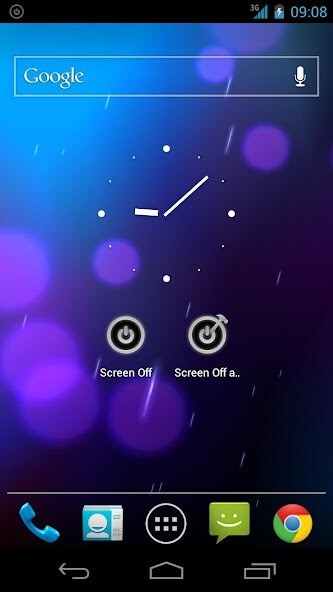
Run this app named Screen Off and Lock using MyAndroid.
You can do it using our Android online emulator.
Function:
Turn off and lock the screen for your beloved phone.
Because this function already exists on your phone, it is the power button (power).
But because pressing too much, it will quickly become greasy.
So we write this application to help users reduce the burden on the power button (Power).
This app uses the Device Administrator permission.
To uninstall Lock Screen app:
1.
Go to phone's settings > Security > Device administrators > Uncheck Screen Off and Lock.
2.
Go to phone's Settings > Apps > Lock Screen > Tap uninstall.
Turn off and lock the screen for your beloved phone.
Because this function already exists on your phone, it is the power button (power).
But because pressing too much, it will quickly become greasy.
So we write this application to help users reduce the burden on the power button (Power).
This app uses the Device Administrator permission.
To uninstall Lock Screen app:
1.
Go to phone's settings > Security > Device administrators > Uncheck Screen Off and Lock.
2.
Go to phone's Settings > Apps > Lock Screen > Tap uninstall.
MyAndroid is not a downloader online for Screen Off and Lock. It only allows to test online Screen Off and Lock with apkid screenoffandlock.tatmanhinhvakhoa.lockscreen.khoamanhinh. MyAndroid provides the official Google Play Store to run Screen Off and Lock online.
