

We provide Mighty Audio online (apkid: mighty.audio) in order to run this application in our online Android emulator.
Description:
Run this app named Mighty Audio using MyAndroid.
You can do it using our Android online emulator.
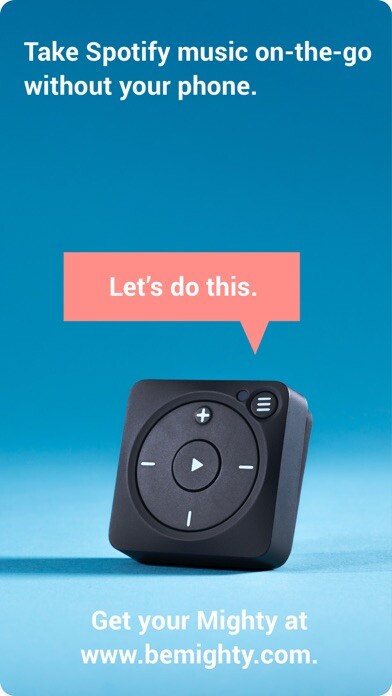
The Mighty mobile app works with the Mighty player, which can be purchased at www.bemighty.com.
Once you have a Mighty in hand, download the mobile app and youre ready to take your Spotify playlists on-the-go: no screen, phone, or data connection required.
Heres how it works:
1.
Turn On
Power up your Mighty and download the Mighty mobile app.
2.
Tune In
Launch the Mighty mobile app and follow the setup instructions.
Then, wirelessly sync some of your favorite Spotify playlists to your Mighty.
3.
Drop Out
Once the sync is complete, leave the phone and distractions behind and take your music with you anywhere.
Once you have a Mighty in hand, download the mobile app and youre ready to take your Spotify playlists on-the-go: no screen, phone, or data connection required.
Heres how it works:
1.
Turn On
Power up your Mighty and download the Mighty mobile app.
2.
Tune In
Launch the Mighty mobile app and follow the setup instructions.
Then, wirelessly sync some of your favorite Spotify playlists to your Mighty.
3.
Drop Out
Once the sync is complete, leave the phone and distractions behind and take your music with you anywhere.
MyAndroid is not a downloader online for Mighty Audio. It only allows to test online Mighty Audio with apkid mighty.audio. MyAndroid provides the official Google Play Store to run Mighty Audio online.
