

We provide Optical Theremin online (apkid: marcoalunno.optical.theremin) in order to run this application in our online Android emulator.
Description:
Run this app named Optical Theremin using MyAndroid.
You can do it using our Android online emulator.
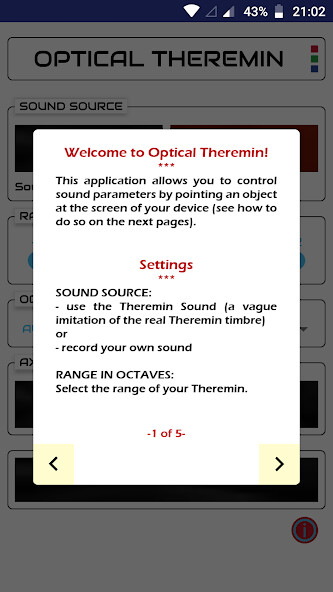
With this Theremin-inspired instrument you can control sound by moving your finger in front of the camera.
Assign sound parameters to the three spatial axes (x, y and z).
Then hold something colorful or wear it on your fingertip (e.g.
a thimble, a pencil or a bottle cap).
The Theremin will follow it so that you can change pitch, gain, vibrato, and flanger parameters with a simple gesture.
You can also record any sound that you wish to control with your finger.
Moreover, change background color, select range and octave subdivision.
Assign sound parameters to the three spatial axes (x, y and z).
Then hold something colorful or wear it on your fingertip (e.g.
a thimble, a pencil or a bottle cap).
The Theremin will follow it so that you can change pitch, gain, vibrato, and flanger parameters with a simple gesture.
You can also record any sound that you wish to control with your finger.
Moreover, change background color, select range and octave subdivision.
MyAndroid is not a downloader online for Optical Theremin. It only allows to test online Optical Theremin with apkid marcoalunno.optical.theremin. MyAndroid provides the official Google Play Store to run Optical Theremin online.
