

We provide Clip Box ( clipboard history ) online (apkid: etaiwiapps.tools.clipbox) in order to run this application in our online Android emulator.
Description:
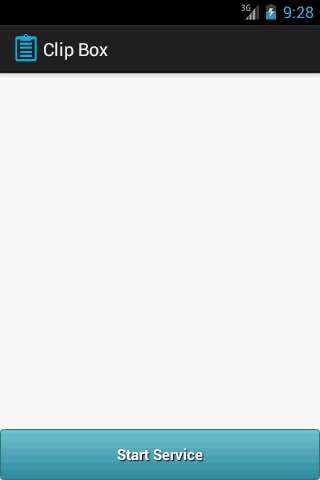
Run this app named Clip Box ( clipboard history ) using MyAndroid.
You can do it using our Android online emulator.
Clip Box is a simple, easy and useful app that manage Clipboard and save its history.
If you copy or cut many text and want to retrieve or restore the previous copied text, then you have to use Clip Box App that save all historical copied text in the box that is available from the notification bar to restore any time.
Main features:
- Start automatically even you restart your device.
- Save clipboard items in a list with copy date.
- You can access Clip Box list anytime from the notification bar.
- You can re-copy any item from the list and paste it again anywhere.
- All you have to do is to click on start service button to start save your clipboard.
Your comments will be appreciated.
If you copy or cut many text and want to retrieve or restore the previous copied text, then you have to use Clip Box App that save all historical copied text in the box that is available from the notification bar to restore any time.
Main features:
- Start automatically even you restart your device.
- Save clipboard items in a list with copy date.
- You can access Clip Box list anytime from the notification bar.
- You can re-copy any item from the list and paste it again anywhere.
- All you have to do is to click on start service button to start save your clipboard.
Your comments will be appreciated.
MyAndroid is not a downloader online for Clip Box ( clipboard history ). It only allows to test online Clip Box ( clipboard history ) with apkid etaiwiapps.tools.clipbox. MyAndroid provides the official Google Play Store to run Clip Box ( clipboard history ) online.
