
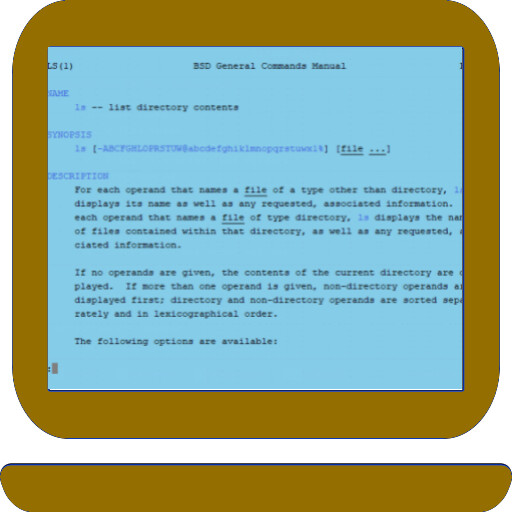
We provide Mocha Telnet Lite for Chromebook online (apkid: dk.mochasoft.chrometelnetlite) in order to run this application in our online Android emulator.
Description:
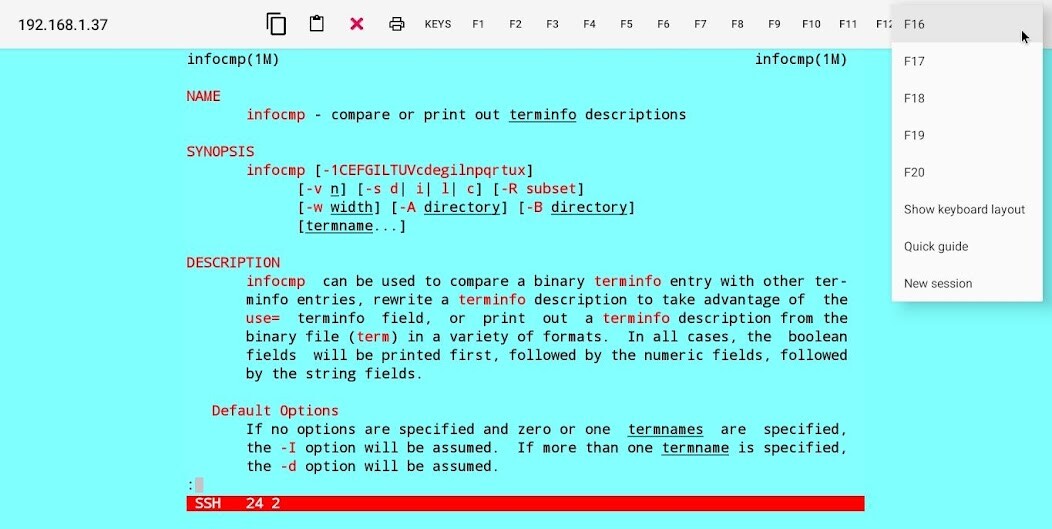
Run this app named Mocha Telnet Lite for Chromebook using MyAndroid.
You can do it using our Android online emulator.
Mocha Telnet makes it possible to connect to a host with the Telnet or SSH2 protocol and emulate a VT220 terminal.
The Lite version has a 5 min.
session limit.
- Designed for laptops and similar devices with a keyboard.
- Supports a VT220 Terminal in 24x80 character mode.
- Multi sessions.
- Touch screen support.
- External mouse support.
- Functions keys F1-F20 can be part of the Toolbar.
- Autologin.
- Toolbar can be configured.
- Hardware keyboard layout can be configured.
- Clipboard.
The Lite version has a 5 min.
session limit.
- Designed for laptops and similar devices with a keyboard.
- Supports a VT220 Terminal in 24x80 character mode.
- Multi sessions.
- Touch screen support.
- External mouse support.
- Functions keys F1-F20 can be part of the Toolbar.
- Autologin.
- Toolbar can be configured.
- Hardware keyboard layout can be configured.
- Clipboard.
MyAndroid is not a downloader online for Mocha Telnet Lite for Chromebook. It only allows to test online Mocha Telnet Lite for Chromebook with apkid dk.mochasoft.chrometelnetlite. MyAndroid provides the official Google Play Store to run Mocha Telnet Lite for Chromebook online.
