

We provide Eye scanner simulator online (apkid: com.wolfieapps.eye.scanner) in order to run this application in our online Android emulator.
Description:
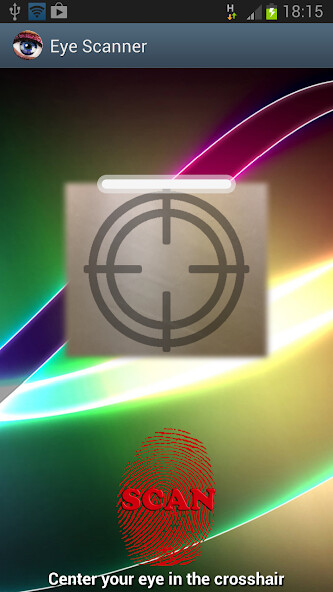
Run this app named Eye scanner simulator using MyAndroid.
You can do it using our Android online emulator.
The most recent eye scanner simulator is now available for your device.
Enjoy this app both as an eye scanner simulator and as a lock screen.
This app is for fun only, as real retina scan technology is not available yet.
However, this eye scanner can be used for fun and to fool your friends that you have a real eye scanner.
How to use the eye scanner:
- push the "Scan" button and wait 3 scan cycles (3 beeps) until the information text color turns grey then lift your finger to unlock the phone.
You can customize the number of scan cycles to unlock the phone.
- This eye scanner can be used as a lock screen if you check the option "Use as lock screen".
- This eye scanner uses the frontal camera or the rear camera of the device.
Enjoy this app both as an eye scanner simulator and as a lock screen.
This app is for fun only, as real retina scan technology is not available yet.
However, this eye scanner can be used for fun and to fool your friends that you have a real eye scanner.
How to use the eye scanner:
- push the "Scan" button and wait 3 scan cycles (3 beeps) until the information text color turns grey then lift your finger to unlock the phone.
You can customize the number of scan cycles to unlock the phone.
- This eye scanner can be used as a lock screen if you check the option "Use as lock screen".
- This eye scanner uses the frontal camera or the rear camera of the device.
MyAndroid is not a downloader online for Eye scanner simulator. It only allows to test online Eye scanner simulator with apkid com.wolfieapps.eye.scanner. MyAndroid provides the official Google Play Store to run Eye scanner simulator online.
