
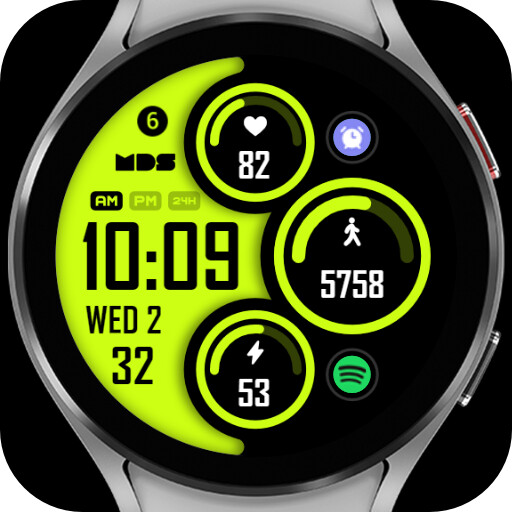
We provide MDS114 - Modern Digital online (apkid: com.watchfacestudio.mds114) in order to run this application in our online Android emulator.
Description:
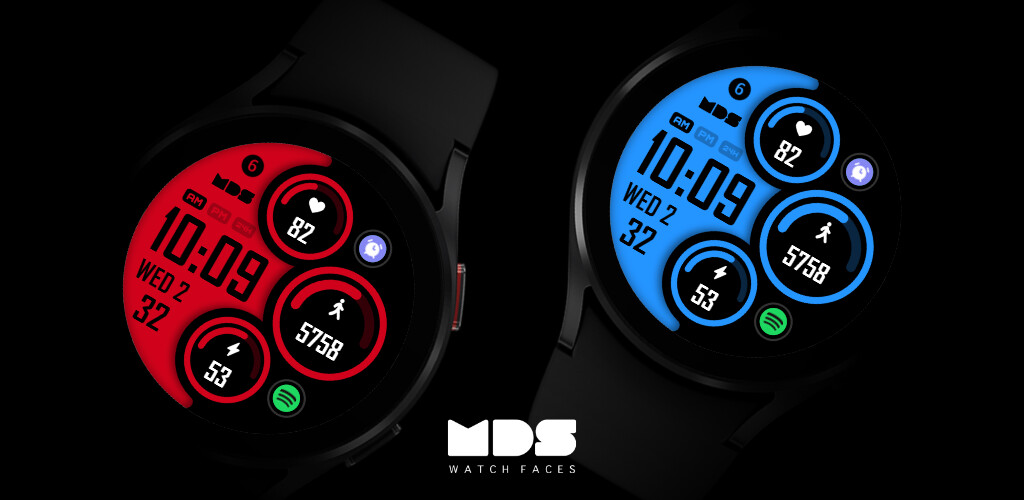
Run this app named MDS114 - Modern Digital using MyAndroid.
You can do it using our Android online emulator.
Only for Wear OS devices
Telegram Channel
https: //t.me/mdswatchfaces
ATTENTION
If you see the message "Your devices are not compatible", go to the Play Store in your browser.
Make sure you have enabled all permission from settings > applications.
Heart Rate
Allow access to heart rate after installing the watch face.
The shortcut does not open the Heart Rate app, but starts the measurement.
Tap the heart rate area to start measuring.
Make sure the watch screen is turned on and that you are wearing it correctly on your wrist when measuring your heart rate.
Features:
1.
12h/24h based on your phone settings
2.
Step counter
3.
Date
4.
Heart Rate
5.
Battery Level
6.
Customizable
7.
Different Styles
8.
Always On Display
9.
Shortcuts
Touch and hold the display, then tap on customize option.
Some features may not be available on different watches and phones.
Website
https: //mdswatchfaces.com
Instagram
https: //www.instagram.com/mdswatchfaces
Facebook
https: //www.facebook.com/mdswatchfaces
Telegram Channel
https: //t.me/mdswatchfaces
ATTENTION
If you see the message "Your devices are not compatible", go to the Play Store in your browser.
Make sure you have enabled all permission from settings > applications.
Heart Rate
Allow access to heart rate after installing the watch face.
The shortcut does not open the Heart Rate app, but starts the measurement.
Tap the heart rate area to start measuring.
Make sure the watch screen is turned on and that you are wearing it correctly on your wrist when measuring your heart rate.
Features:
1.
12h/24h based on your phone settings
2.
Step counter
3.
Date
4.
Heart Rate
5.
Battery Level
6.
Customizable
7.
Different Styles
8.
Always On Display
9.
Shortcuts
Touch and hold the display, then tap on customize option.
Some features may not be available on different watches and phones.
Website
https: //mdswatchfaces.com
https: //www.instagram.com/mdswatchfaces
https: //www.facebook.com/mdswatchfaces
MyAndroid is not a downloader online for MDS114 - Modern Digital. It only allows to test online MDS114 - Modern Digital with apkid com.watchfacestudio.mds114. MyAndroid provides the official Google Play Store to run MDS114 - Modern Digital online.
