
We provide Place Your Graphics online (apkid: com.virtualplayground.placeyourgraphics) in order to run this application in our online Android emulator.
Description:
Run this app named Place Your Graphics using MyAndroid.
You can do it using our Android online emulator.
Place Your Graphics - this tool aims at checking the visual appearance of graphic stickers or lettering on the real objects.
Put your graphics files into the phone gallery.
These can be .jpg or .png files.
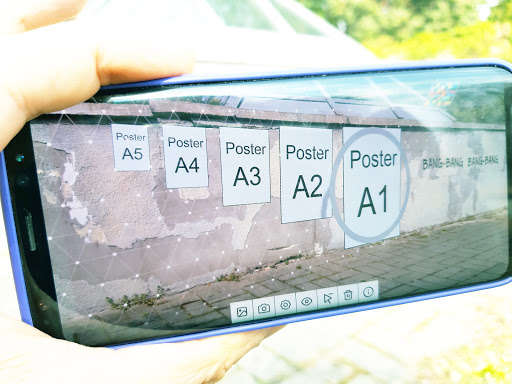
Open the app, select a file from the gallery and place it in augmented reality (AR) on the real objects in the environment.
Take photos of the placed graphics.
The default size of the graphics is roughly 50 by 50 cm but you can encode the desired centimeters size into the filename like: "img15x50.png".
The .jpg files are handled as opaque images, but the .png format enables other transparency handling.
Select the cutout mode by putting "_c_" into the filename or transparent mode by putting "_t_" into the filename.
The placed images can be moved, rotated and scaled.
No need to login or register anywhere.
Put your graphics files into the phone gallery.
These can be .jpg or .png files.
Open the app, select a file from the gallery and place it in augmented reality (AR) on the real objects in the environment.
Take photos of the placed graphics.
The default size of the graphics is roughly 50 by 50 cm but you can encode the desired centimeters size into the filename like: "img15x50.png".
The .jpg files are handled as opaque images, but the .png format enables other transparency handling.
Select the cutout mode by putting "_c_" into the filename or transparent mode by putting "_t_" into the filename.
The placed images can be moved, rotated and scaled.
No need to login or register anywhere.
MyAndroid is not a downloader online for Place Your Graphics. It only allows to test online Place Your Graphics with apkid com.virtualplayground.placeyourgraphics. MyAndroid provides the official Google Play Store to run Place Your Graphics online.
