
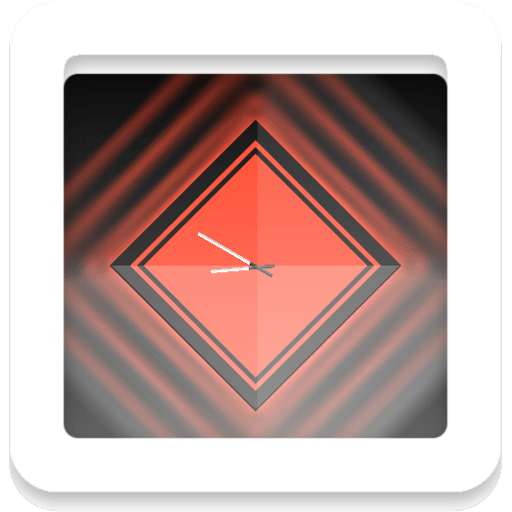
We provide Prisma - UCCW clock bar widget online (apkid: com.tentacleboy.prisma) in order to run this application in our online Android emulator.
Description:

Download this app named Prisma - UCCW clock bar widget .
Prisma - UCCW clock bar widget is tentacleboy,prisma,personalization, content rating is Everyone (PEGI-3).
This app is rated 5 by 1 users who are using this app.
To know more about the company/developer, visit 10tacleBoy website who developed it.
com.TentacleBoy.Prisma.apk apps can be downloaded and installed on Android 2.2.x and higher Android devices.
The Latest Version of 1.0.1 Available for download.
Download the app using your favorite browser and click Install to install the application.
Please note that we provide both basic and pure APK files and faster download speeds than APK Mirror.
This app APK has been downloaded 44+ times on store.
You can also download com.TentacleBoy.Prisma APK and run it with the popular Android Emulators.
Prisma - a simple and noble looking widget.


It shows you some major things at one look.
There are the time, date, weekday and of course the battery status.


It comes within 10 colors and 3 hotspots, which are editable for you.


.

IMPORTANT:

You must have UCCW 2.1.2 or higher installed on your device.
Otherwise this skin will not work.

You can get it here for free: http: //goo.gl/Q8W67

How to install this skin:

1.
Open UCCW out of your appdrawer and deactivate the hotspot mode (if it's aktive).

2.
Add a UCCW widget with a size of 5x2 to your homescreen (via long press on homescreen if you're running a launcher or via appdrawer if you're on stock ROM),

3.
Select "PRISMA" in your favourite color from the list.

4.
An UCCW hand symbol is now placed on your homescreen.
Touch it once to load the skin.

5.
Now touch the widget once again, if it's finally loaded on your screen, to open it in UCCW and customize the hotspots.


6.
Choose hotspots.
Now you can edit them.

7.
Finally activate the hotspot mode and leave UCCW.

FOR YOUR INFORMATION:

I'm not a professional app designer.
So please don't expect a professional support if you have problems with UCCW and this skin.


Surely I will help you if I can and if I have enough time.
But be patient, please.


RECOMMENDATION:

Most of the questions will be answered in the tutorial of the developer himself: http: //youtu.be/2I9BMECTU6w

I personally recommend the sslauncher, because there you can resize and move each widget as you want.
You also can place one widget above the others.
The free version is available here: https: //play.google.com/store/apps/details?id=com.ss.launcher&hl=de

Of course other launchers works too.
Updates:
- v1.0.1 bug fixed - the font is not displayed correctly
MyAndroid is not a downloader online for Prisma - UCCW clock bar widget . It only allows to test online Prisma - UCCW clock bar widget with apkid com.tentacleboy.prisma. MyAndroid provides the official Google Play Store to run Prisma - UCCW clock bar widget online.
