

We provide Managing Configuration Test online (apkid: com.smarsh.test.managingconfig) in order to run this application in our online Android emulator.
Description:
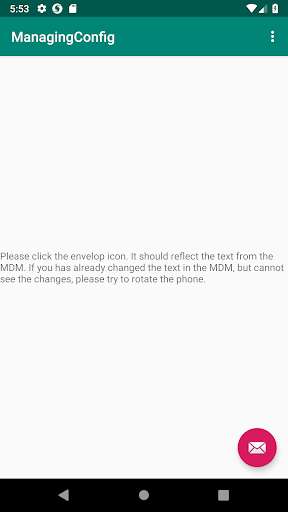
Run this app named Managing Configuration Test using MyAndroid.
You can do it using our Android online emulator.
The only purpose of the application is to test Managing Configuration through MobileIron and BlackBerry MDMs.
Steps to test Managing Configuration:
1.
Download the apk into your MDM (BlackBerry and/or MobileIron);
2.
Ensure that the MDM can see Managing Configuration for the apk;
3.
Put some text into the Managing Configuration field;
4.
Open the application, tap on the envelop icon and ensure you see the text you entered on step #3.
This application does not require any special permissions.
Steps to test Managing Configuration:
1.
Download the apk into your MDM (BlackBerry and/or MobileIron);
2.
Ensure that the MDM can see Managing Configuration for the apk;
3.
Put some text into the Managing Configuration field;
4.
Open the application, tap on the envelop icon and ensure you see the text you entered on step #3.
This application does not require any special permissions.
MyAndroid is not a downloader online for Managing Configuration Test. It only allows to test online Managing Configuration Test with apkid com.smarsh.test.managingconfig. MyAndroid provides the official Google Play Store to run Managing Configuration Test online.
