

We provide Cerberus Test online (apkid: com.siemens.bt.cerberus.test) in order to run this application in our online Android emulator.
Description:
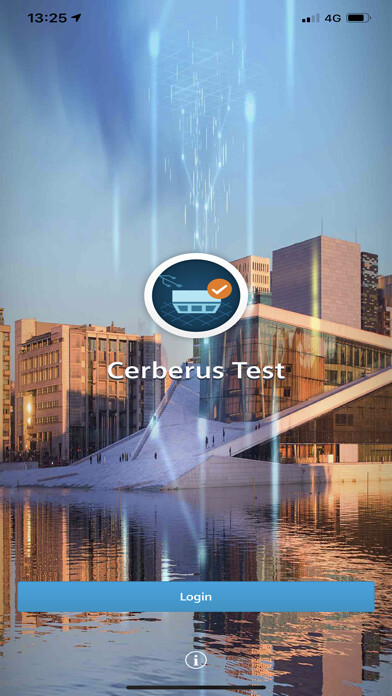
Run this app named Cerberus Test using MyAndroid.
You can do it using our Android online emulator.
Cerberus Test supports fire safety experts in performing maintenance activities on fire detection systems.
For fire safety sites connected to the Siemens Cloud, any status messages can be viewed on the mobile device.
While testing fire detectors, the text-to-speech feature allows an easy, hands-free check that the correct detector text is programmed according to the fire plan document.
Furthermore, the live status view allows the user to quickly detect and diagnose problems, or to verify that everything is up and running.
Functions of the App
Log into Cerberus Cloud Apps account to browse all Cloud-connected sites
View site information, e.g.
address and customer contact information of the selected site
View test activations and alarms of the selected site, including text-to-speech functionality for hands-free operation of the App
View status (i.e.
all events) present on selected site
Requirements
Networkable Cerberus PRO FC922/924 fire detection system from Siemens with software version 9.0 or higher installed (UL)
Networkable Cerberus PRO Modular with firmare and software version 14.03 (UL)
Networkable Cerberus PRO 72x panel with software version IP7.0 or higher (EN)
Connect X300 Cloud gateway
Cerberus Cloud Apps account with an active subscription
For more information, please visit https: //www.siemens.com/cerberustest
For fire safety sites connected to the Siemens Cloud, any status messages can be viewed on the mobile device.
While testing fire detectors, the text-to-speech feature allows an easy, hands-free check that the correct detector text is programmed according to the fire plan document.
Furthermore, the live status view allows the user to quickly detect and diagnose problems, or to verify that everything is up and running.
Functions of the App
Log into Cerberus Cloud Apps account to browse all Cloud-connected sites
View site information, e.g.
address and customer contact information of the selected site
View test activations and alarms of the selected site, including text-to-speech functionality for hands-free operation of the App
View status (i.e.
all events) present on selected site
Requirements
Networkable Cerberus PRO FC922/924 fire detection system from Siemens with software version 9.0 or higher installed (UL)
Networkable Cerberus PRO Modular with firmare and software version 14.03 (UL)
Networkable Cerberus PRO 72x panel with software version IP7.0 or higher (EN)
Connect X300 Cloud gateway
Cerberus Cloud Apps account with an active subscription
For more information, please visit https: //www.siemens.com/cerberustest
MyAndroid is not a downloader online for Cerberus Test. It only allows to test online Cerberus Test with apkid com.siemens.bt.cerberus.test. MyAndroid provides the official Google Play Store to run Cerberus Test online.
