
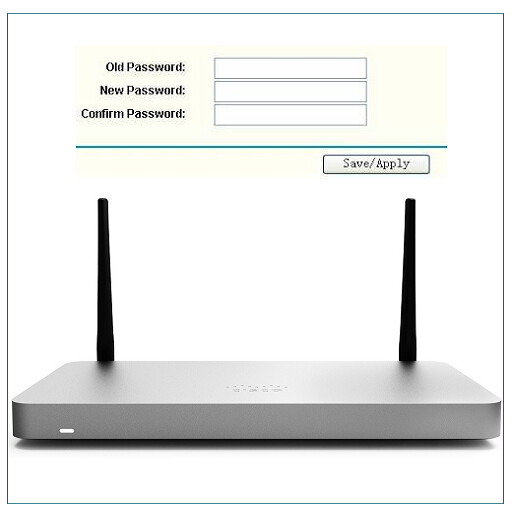
We provide How to change router password online (apkid: com.show.routerpasswordchange) in order to run this application in our online Android emulator.
Description:
Run this app named How to change router password using MyAndroid.
You can do it using our Android online emulator.
When you setup the router, you must first change your router password for security reasons.
Our mobile application explains how to change the router password.
The default information required to enter the router interface is given in the application.
If you are using a local brand device, you can write to us from the support section for your questions.
Application content;
Information
Default password list
Arris (The default ip address is 192.168.0.1.)
Linksys (Use different character combinations to use a hard-to-guess password)
Tp link password change (The default username and password required for the router login is "admin", and the ip address is 192.168.1.1.)
Netgear (Write your newly created password in a safe place.
Then you will need to setup the home network, in the future to be able to change your wifi password and make changes to your router settings.)
Huawei router (For your forgotten password, you can reset your device and create it again)
D link (You can use dlinkrouter.local instead of ip address to login to the router interface.)
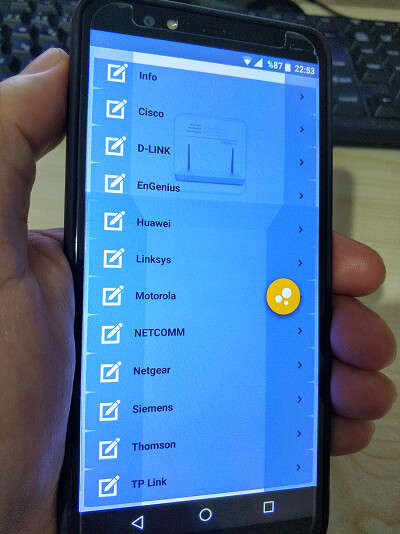
Other routers explained how to change router password: Cisco, arris, motorola, netcomm, d link, linksys, siemens, netgear, tp link, engenius, huawei, verizon
Our mobile application explains how to change the router password.
The default information required to enter the router interface is given in the application.
If you are using a local brand device, you can write to us from the support section for your questions.
Application content;
Information
Default password list
Arris (The default ip address is 192.168.0.1.)
Linksys (Use different character combinations to use a hard-to-guess password)
Tp link password change (The default username and password required for the router login is "admin", and the ip address is 192.168.1.1.)
Netgear (Write your newly created password in a safe place.
Then you will need to setup the home network, in the future to be able to change your wifi password and make changes to your router settings.)
Huawei router (For your forgotten password, you can reset your device and create it again)
D link (You can use dlinkrouter.local instead of ip address to login to the router interface.)
Other routers explained how to change router password: Cisco, arris, motorola, netcomm, d link, linksys, siemens, netgear, tp link, engenius, huawei, verizon
MyAndroid is not a downloader online for How to change router password. It only allows to test online How to change router password with apkid com.show.routerpasswordchange. MyAndroid provides the official Google Play Store to run How to change router password online.
