

We provide Photo To Motion Video Editor online (apkid: com.shahin.photo.to.motion.video.editor) in order to run this application in our online Android emulator.
Description:
Run this app named Photo To Motion Video Editor using MyAndroid.
You can do it using our Android online emulator.
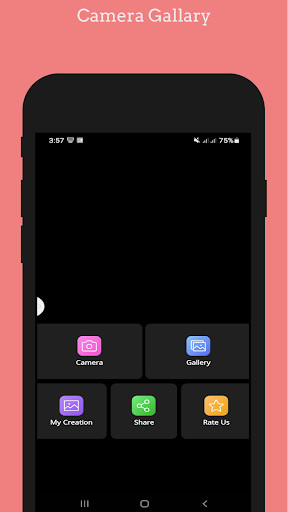
Photo to motion Video editor is an app for editing Video from a high-quality photo, it is a completely offline app.
How to use:
First crop an image from the camera or gallery, then click or motion to move the image and click and drag on the image you want to move, then play and if you want to cancel a certain place, click on Sequence.
Turn off the motion by selecting a specific place or if you want only a certain part to be in motion then click on Stabilize to save apart from the picture.
If you want to delete a selected part then click on select to delete the part.
If you want to make your image righter, you can save anyone by clicking on effect.
If you want to give a striker, you can save anyone by clicking on the striker.
How to use:
First crop an image from the camera or gallery, then click or motion to move the image and click and drag on the image you want to move, then play and if you want to cancel a certain place, click on Sequence.
Turn off the motion by selecting a specific place or if you want only a certain part to be in motion then click on Stabilize to save apart from the picture.
If you want to delete a selected part then click on select to delete the part.
If you want to make your image righter, you can save anyone by clicking on effect.
If you want to give a striker, you can save anyone by clicking on the striker.
MyAndroid is not a downloader online for Photo To Motion Video Editor. It only allows to test online Photo To Motion Video Editor with apkid com.shahin.photo.to.motion.video.editor. MyAndroid provides the official Google Play Store to run Photo To Motion Video Editor online.
