
We provide eConfigure Conext CL125 online (apkid: com.schneiderelectric.econfigureconextcl125) in order to run this application in our online Android emulator.
Description:
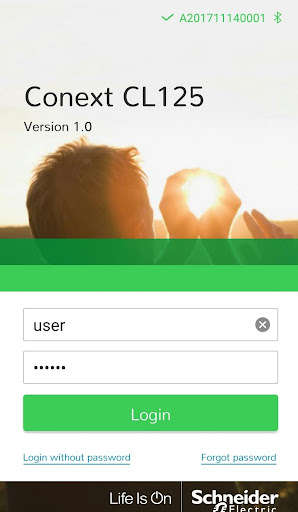
Run this app named eConfigure Conext CL125 using MyAndroid.
You can do it using our Android online emulator.
Conext CL125 app helps the customers and installers to monitor and configure the Schneider Electric Conext CL125 series of PV Inverters.
This versatile app connects to the CL125 Solar Inverter over Bluetooth and provides following features.
- Live data monitoring of individual Conext CL125 inverters.
- Energy production.
- Alarms and Event monitoring.
- Configuration of various power control parameters, country and grid selection.
- Facility to update Firmware of Conext CL125 PV inverters.
For any support, please contact Schneider Electric.
This versatile app connects to the CL125 Solar Inverter over Bluetooth and provides following features.
- Live data monitoring of individual Conext CL125 inverters.
- Energy production.
- Alarms and Event monitoring.
- Configuration of various power control parameters, country and grid selection.
- Facility to update Firmware of Conext CL125 PV inverters.
For any support, please contact Schneider Electric.
MyAndroid is not a downloader online for eConfigure Conext CL125. It only allows to test online eConfigure Conext CL125 with apkid com.schneiderelectric.econfigureconextcl125. MyAndroid provides the official Google Play Store to run eConfigure Conext CL125 online.
