
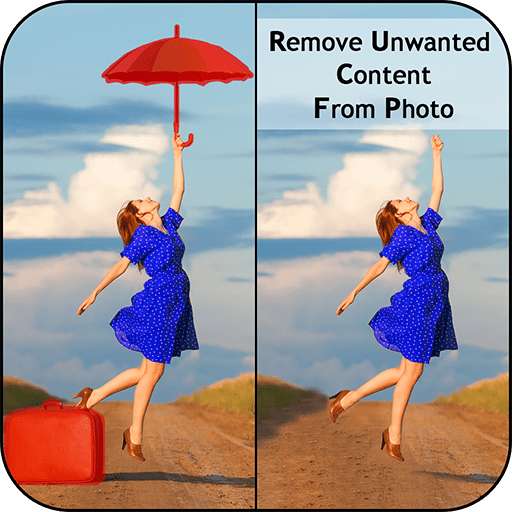
We provide Remove Unwanted Content for Retouch Eraser online (apkid: com.photovideozone.touchretouch) in order to run this application in our online Android emulator.
Description:

Download this app named Remove Unwanted Content for Retouch Eraser .
Remove Unwanted Content for Retouch Eraser is photovideozone,touchretouch,photography,remove,unwanted,content,photo, content rating is Everyone (PEGI-3).
This app is rated 3 by 1 users who are using this app.
To know more about the company/developer, visit Photo Video Zone website who developed it.
com.photovideozone.touchretouch.apk apps can be downloaded and installed on Android 4.0.x and higher Android devices.
The Latest Version of 1.0 Available for download.
Download the app using your favorite browser and click Install to install the application.
Please note that we provide both basic and pure APK files and faster download speeds than APK Mirror.
This app APK has been downloaded 214+ times on store.
You can also download com.photovideozone.touchretouch APK and run it with the popular Android Emulators.
This is best cut paste App for Photos, with which you can create your own wonderful custom photos by cutting the image from one image and pasting it to the other image!! Touch Retouch Eraser is an app that offers you all the tools you need to efficiently remove unwanted content from your photos. This is best cut paste App for Photos, with which you can create your wonderful custom photo by cutting the image from one image and pasting it to the other custom image.
You can cutting a section or whole object and paste it to the other images. Eliminate distractions from photos with the Object Removal tool â select either Brush or Lasso, mark the content to be removed, and then tap the Go button.
Remove defects or duplicate objects by using the Clone Stamp tool.
Adjust Stamp Size, Hardness, and Opacity as desired.
Use Eraser to wipe out what has just been cloned.
Set Eraser Size, Hardness, and Opacity as needed. Remove Unwanted Content for Retouch Eraser is a background image editor to erase photo background to transparent and let you edit it with different beautiful backgrounds.
You can choose-without background, take background image from camera, pic color from color picker or use background images provided by the app itself. Set Line Thickness to Thin, Medium, or Thick for better performance.
Cut Out includes hd quality background images which will make your photo more beautiful and stunning.
Want to Swap Faces? Cut one face and Paste it on the other.
Want to Remove Photo Background? Cut the people out and put them on another background.
Thank You.!!!
Updates:
MyAndroid is not a downloader online for Remove Unwanted Content for Retouch Eraser . It only allows to test online Remove Unwanted Content for Retouch Eraser with apkid com.photovideozone.touchretouch. MyAndroid provides the official Google Play Store to run Remove Unwanted Content for Retouch Eraser online.
