
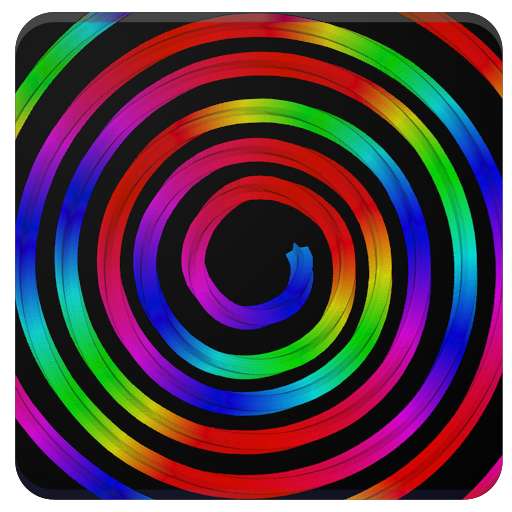
We provide Spin Doodle online (apkid: com.one.spindoodle.android) in order to run this application in our online Android emulator.
Description:
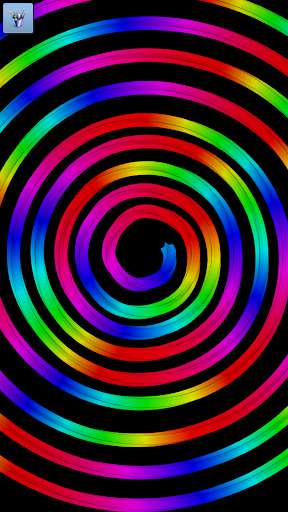
Run this app named Spin Doodle using MyAndroid.
You can do it using our Android online emulator.
Spin Doodle is fun for people of all ages! Draw your doodle on this spinning canvas using many different brush and background options.
If you mess up, you can undo or clear the screen and start over again! If you have any suggestions, please leave us a review!
Features:
- 7 Layers with individual rotation speed and direction
- 16 starter brushes
- 5 brush modes (Normal, 3D, Additive, Spiral, Eraser)
- Save up 10 different brush settings
- Rainbow brush mode with speed control
- Change brush size, spread, and color
- Change spin speed of canvas
- Upload custom background images for any of the 7 layers
- Upload custom brushes
- Up to 10 undos
- Save doodle to your device
If you mess up, you can undo or clear the screen and start over again! If you have any suggestions, please leave us a review!
Features:
- 7 Layers with individual rotation speed and direction
- 16 starter brushes
- 5 brush modes (Normal, 3D, Additive, Spiral, Eraser)
- Save up 10 different brush settings
- Rainbow brush mode with speed control
- Change brush size, spread, and color
- Change spin speed of canvas
- Upload custom background images for any of the 7 layers
- Upload custom brushes
- Up to 10 undos
- Save doodle to your device
MyAndroid is not a downloader online for Spin Doodle. It only allows to test online Spin Doodle with apkid com.one.spindoodle.android. MyAndroid provides the official Google Play Store to run Spin Doodle online.
