
We provide MSI Remote Display online (apkid: com.msi.msiremotedisplay) in order to run this application in our online Android emulator.
Description:
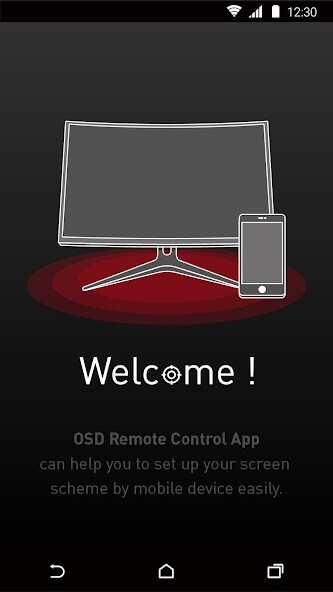
Run this app named MSI Remote Display using MyAndroid.
You can do it using our Android online emulator.
MSI Remote Display for Gaming Monitors
Customize your gaming monitor with MSI Remote Display which allows you to control its settings, including the contrast ratio, brightness and black equalizer, etc., right from your mobile phone.
You can even choose the LED effects for the selected gaming monitor with MSI Mystic Light to match your personal style.
* Support with Gaming OSD: version 0.0.2.3 or above (available on MSI official website)
* For Gaming monitor support model list, please visit https: //www.msi.com/Landing/MSI-Commander-Unit
Customize your gaming monitor with MSI Remote Display which allows you to control its settings, including the contrast ratio, brightness and black equalizer, etc., right from your mobile phone.
You can even choose the LED effects for the selected gaming monitor with MSI Mystic Light to match your personal style.
* Support with Gaming OSD: version 0.0.2.3 or above (available on MSI official website)
* For Gaming monitor support model list, please visit https: //www.msi.com/Landing/MSI-Commander-Unit
MyAndroid is not a downloader online for MSI Remote Display. It only allows to test online MSI Remote Display with apkid com.msi.msiremotedisplay. MyAndroid provides the official Google Play Store to run MSI Remote Display online.
