
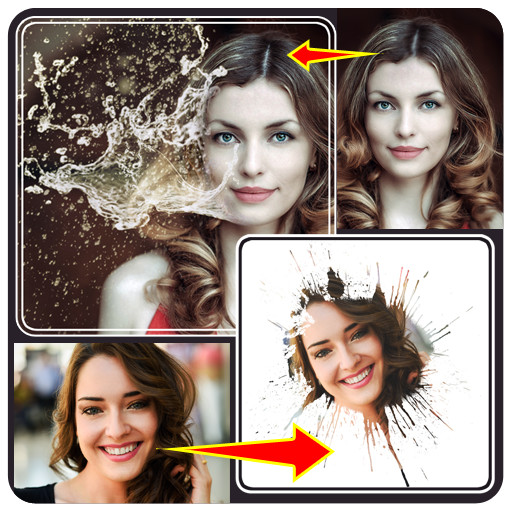
We provide Water Splash Photo Editor online (apkid: com.mobielite.watersplashphotoeditor) in order to run this application in our online Android emulator.
Description:
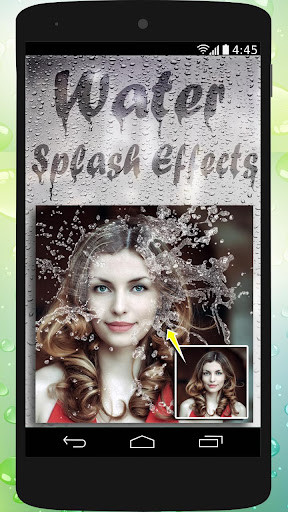
Run this app named Water Splash Photo Editor using MyAndroid.
You can do it using our Android online emulator.
Water Splash Photo Editor.
* Water drop photo frames
* Water Splash blend photos
* Water effect stickers.
How to Use.
1.
Frames :
Tap on frame icon on first screen, choose image from gallery, adjust you image inside frame by finger touch and rotate it by two finger gesture.
2.
Blend :
Tap on blend icon, choose your photo from gallery crop it, So face will be shown in center.
click done to finalize cropped image, Now swap between 4 water drop glass effect frames to blend and adjust opacity with seekbar below.
3.Slash Stickers :
Tap on splash stickers icon, choose your image from gallery, add water sticker by tapping sticker icon .
***Save and share photos*******
And don't forget to add rating and comment.
* Water drop photo frames
* Water Splash blend photos
* Water effect stickers.
How to Use.
1.
Frames :
Tap on frame icon on first screen, choose image from gallery, adjust you image inside frame by finger touch and rotate it by two finger gesture.
2.
Blend :
Tap on blend icon, choose your photo from gallery crop it, So face will be shown in center.
click done to finalize cropped image, Now swap between 4 water drop glass effect frames to blend and adjust opacity with seekbar below.
3.Slash Stickers :
Tap on splash stickers icon, choose your image from gallery, add water sticker by tapping sticker icon .
***Save and share photos*******
And don't forget to add rating and comment.
MyAndroid is not a downloader online for Water Splash Photo Editor. It only allows to test online Water Splash Photo Editor with apkid com.mobielite.watersplashphotoeditor. MyAndroid provides the official Google Play Store to run Water Splash Photo Editor online.
