
We provide Screen Timeout Widget, Quick Tile, Notification online (apkid: com.maxlab.screentimeoutwidgetlite) in order to run this application in our online Android emulator.
Description:
Run this app named Screen Timeout Widget, Quick Tile, Notification using MyAndroid.
You can do it using our Android online emulator.
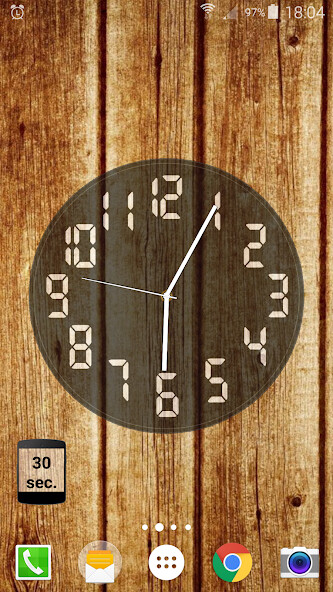
Lightweight and useful widget for switching timeout of the screen.
For every added screen timeout widget you can select one or any of this sequentially switchable interval values:
- 1 second
- 5 seconds
- 15 seconds
- 30 seconds
- 60 seconds
- 2 minutes
- 5 minutes
- 10 minutes
- 30 minutes
- Never switched off
It is a WIDGET! (For the homescreen and notifications panel.
For Android 7+ added also quick settings tile.
The currently active widget is synchronized with the widget in notifications and quick settings).
To add it to your home screen you (usually):
- long press your home screen
- select widget from the menu that pops up
- select "Screen Timeout Widget".
To add to quick settings (Android 7+):
- swipe down the status bar twice
- press 3 dots in the top right corner
- press "Button order" and move the Screen timeout widget tile to the desired place.
Please email me if you have any problems.
In the theme of the email write "Screen Timeout Widget":
[email protected]
MyAndroid is not a downloader online for Screen Timeout Widget, Quick Tile, Notification. It only allows to test online Screen Timeout Widget, Quick Tile, Notification with apkid com.maxlab.screentimeoutwidgetlite. MyAndroid provides the official Google Play Store to run Screen Timeout Widget, Quick Tile, Notification online.
