

We provide Zen Flip Clock online (apkid: com.mad.zenflipclock) in order to run this application in our online Android emulator.
Description:
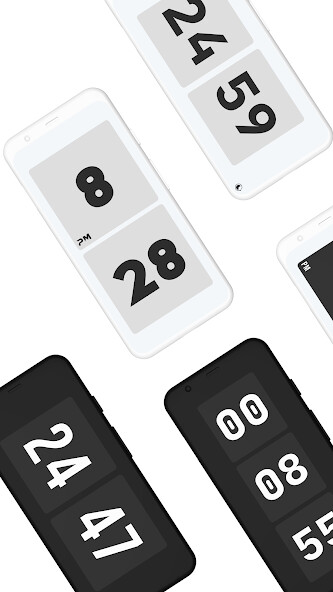
Run this app named Zen Flip Clock using MyAndroid.
You can do it using our Android online emulator.
Zen Flip Clock can immerse you in zen mode, and improve focus and productivity.
Especially good for taking photos and recording videos.
HOW TO USE:
1.
Swipe left to pomodoro
2.
Swipe right to stopwatch
3.
Tap AM/PM label to switch 24/12 time format
4.
Tap weekday label to toggle weekday
5.
Tap seconds label to toggle second
6.
Swipe up to settings
7.
Swipe up and down with two fingers to change screen brightness
Especially good for taking photos and recording videos.
HOW TO USE:
1.
Swipe left to pomodoro
2.
Swipe right to stopwatch
3.
Tap AM/PM label to switch 24/12 time format
4.
Tap weekday label to toggle weekday
5.
Tap seconds label to toggle second
6.
Swipe up to settings
7.
Swipe up and down with two fingers to change screen brightness
MyAndroid is not a downloader online for Zen Flip Clock. It only allows to test online Zen Flip Clock with apkid com.mad.zenflipclock. MyAndroid provides the official Google Play Store to run Zen Flip Clock online.
