

We provide Luma Brighter Learning online (apkid: com.luma.android) in order to run this application in our online Android emulator.
Description:
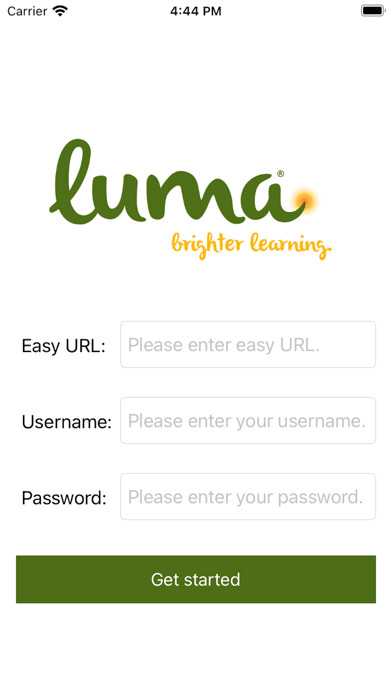
Run this app named Luma Brighter Learning using MyAndroid.
You can do it using our Android online emulator.
Welcome to Luma Brighter Learning's mobile solution that helps learners complete training.
With the Luma Brighter Learning app, you can complete training assignments, test, and orientation forms.
In order to run this app, you will need to disable the apps usage of the battery in the background.
To do this:
1.
Install the app.
2.
Go to Androids settings.
3.
Click on Apps and then find and select the Luma app.
4.
Click on Battery.
5.
Turn off Allow Background Activity.
6.
Log back into the Luma app and enjoy your learning!
With the Luma Brighter Learning app, you can complete training assignments, test, and orientation forms.
In order to run this app, you will need to disable the apps usage of the battery in the background.
To do this:
1.
Install the app.
2.
Go to Androids settings.
3.
Click on Apps and then find and select the Luma app.
4.
Click on Battery.
5.
Turn off Allow Background Activity.
6.
Log back into the Luma app and enjoy your learning!
MyAndroid is not a downloader online for Luma Brighter Learning. It only allows to test online Luma Brighter Learning with apkid com.luma.android. MyAndroid provides the official Google Play Store to run Luma Brighter Learning online.
