

We provide Gear Fit Black White Clock online (apkid: com.leelabs.gearfit.blackwhiteclock) in order to run this application in our online Android emulator.
Description:
Run this app named Gear Fit Black White Clock using MyAndroid.
You can do it using our Android online emulator.
In the world of colors, white is combination of all colors, and black is start of everything.
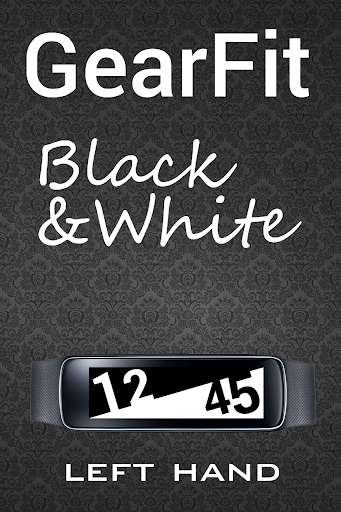
Gear Fit Black White Clock is simple, readable, high contrast clock for Gear Fit, which is combined of two most basic elements: black and white.
You can choose between left hand and right hand options.
How to use Gear Fit Black White Clock and select clock face:
- Install Gear Fit Manager version 1.6 or newer and connect with Gear Fit device.
- Install "Gear Fit Black White Clock".
- Go to Gear Fit Manager Home Screen Styler Clock tab Style Clocks.
- Select "Black White Clock"
- Click Done and enjoy Gear Fit Black White Clock.
SAMSUNG_CUP_ENABLED
SAMSUNG_GEAR_FIT_CLOCK
Gear Fit Black White Clock is simple, readable, high contrast clock for Gear Fit, which is combined of two most basic elements: black and white.
You can choose between left hand and right hand options.
How to use Gear Fit Black White Clock and select clock face:
- Install Gear Fit Manager version 1.6 or newer and connect with Gear Fit device.
- Install "Gear Fit Black White Clock".
- Go to Gear Fit Manager Home Screen Styler Clock tab Style Clocks.
- Select "Black White Clock"
- Click Done and enjoy Gear Fit Black White Clock.
SAMSUNG_CUP_ENABLED
SAMSUNG_GEAR_FIT_CLOCK
MyAndroid is not a downloader online for Gear Fit Black White Clock. It only allows to test online Gear Fit Black White Clock with apkid com.leelabs.gearfit.blackwhiteclock. MyAndroid provides the official Google Play Store to run Gear Fit Black White Clock online.
