
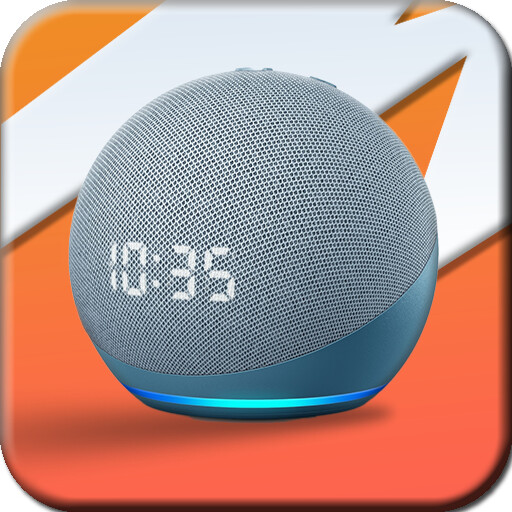
We provide Guide for Amazon Echo dot 4th online (apkid: com.htdstudio.guideforamazonechodot4th) in order to run this application in our online Android emulator.
Description:
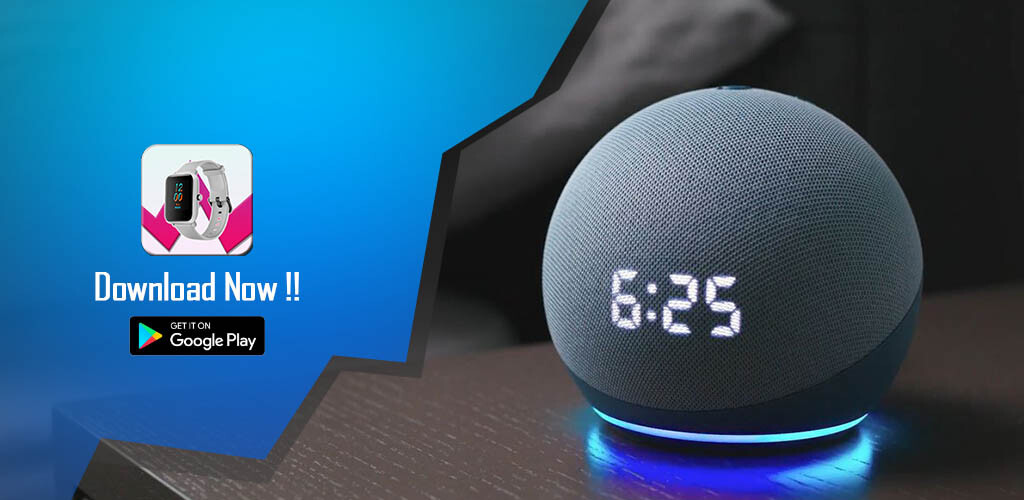
Run this app named Guide for Amazon Echo dot 4th using MyAndroid.
You can do it using our Android online emulator.
This guide application provides quite good information regarding echo settings menu and how to reset, below is a summary description of the product.
This smart speaker delivers clear, crisp vocals and balanced bass, while its sleek, compact design fits perfectly into small spaces.
With built-in Amazon Alexa, use your voice commands to ask Alexa to play music, answer questions, give you the news and weather, and much more.
The fourth-gen Echo Dot is a 3.9-inch sphere, half plastic and half fabric covered, coming in blue, dark gray, or white.
On the top there are four physical buttons for volume up, volume down, activating Alexa, and turning the mic off.
The blue light ring that shows when Alexa is listening has migrated from the top of the speaker to the bottom, making the surface underneath glow softly.
The back features the power adapter and a 3.5mm audio output for connecting the Echo Dot to a larger speaker.
Disclaimer:
Not an official application.
is just an educational application that will help friends better understand amazon echo dot 4th guide app.
The information we provide from various trusted sources
By downloading, installing and using this app, you agree to our Policy Policy (https: //xalpha.website/htd/mznchdt14/pp.html).
Hope it is useful!
This smart speaker delivers clear, crisp vocals and balanced bass, while its sleek, compact design fits perfectly into small spaces.
With built-in Amazon Alexa, use your voice commands to ask Alexa to play music, answer questions, give you the news and weather, and much more.
The fourth-gen Echo Dot is a 3.9-inch sphere, half plastic and half fabric covered, coming in blue, dark gray, or white.
On the top there are four physical buttons for volume up, volume down, activating Alexa, and turning the mic off.
The blue light ring that shows when Alexa is listening has migrated from the top of the speaker to the bottom, making the surface underneath glow softly.
The back features the power adapter and a 3.5mm audio output for connecting the Echo Dot to a larger speaker.
Disclaimer:
Not an official application.
is just an educational application that will help friends better understand amazon echo dot 4th guide app.
The information we provide from various trusted sources
By downloading, installing and using this app, you agree to our Policy Policy (https: //xalpha.website/htd/mznchdt14/pp.html).
Hope it is useful!
MyAndroid is not a downloader online for Guide for Amazon Echo dot 4th. It only allows to test online Guide for Amazon Echo dot 4th with apkid com.htdstudio.guideforamazonechodot4th. MyAndroid provides the official Google Play Store to run Guide for Amazon Echo dot 4th online.
