
We provide GeezIME 2014 online (apkid: com.geezlab.geezime2014) in order to run this application in our online Android emulator.
Description:
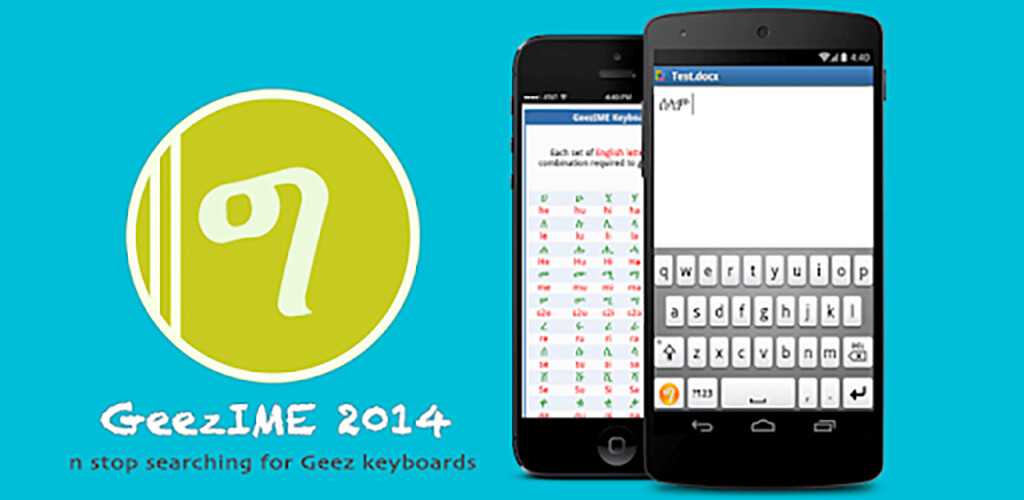
Run this app named GeezIME 2014 using MyAndroid.
You can do it using our Android online emulator.
GeezIME is the easiest and most powerful way to type Geez script on Android, iOS, MacOS, Microsoft Windows, and the Web.
Privacy of Personal Data
====================
+ The GeezIME app does NOT collect any personal data, such as user name, email, location, phone number, credit card information, location etc.
+ The GeezIME app does NOT save keystrokes or text input made through the application.
+ The GeezIME app does NOT request any device permissions such as access to contacts, storage, media etc.
+ The GeezIME app does NOT connect to the internet.
+ The GeezIME app does NOT send data to any online services over the internet.
+ You can read the full Privacy Policy at https: //privacy.geezlab.com
Latest GeezIME Edition
===================
For new users we recommend using the more advanced GeezIME 2022: https: //play.google.com/store/apps/details?id=com.geezlab.geezime
Main Features
============
+ Supports multiple Geez languages: Tigrinya, Amharic, Tigre, and Blin.
+ Consistent typing system across GeezIME editions in other platforms (Windows, Android, MacOS, iOS).
+ Use the standard QWERTY keyboard to type Geez.
+ Use a phonetic mapping that is easy to learn.
+ Switch between Geez and English keyboard at the press of one button.
+ Full support for Geez punctuation marks and numerals.
+ Elegant keyboard themes and input styles.
+ The complete keyboard guide is included in the app.
+ And many more useful features.
Video Tutorial
===========
For more information, watch the Video tutorial: https: //www.youtube.com/watch?v=1eaZeViYX_A
GeezIME is available on all major platforms, which can be found at: https: //geezlab.com.
Privacy of Personal Data
====================
+ The GeezIME app does NOT collect any personal data, such as user name, email, location, phone number, credit card information, location etc.
+ The GeezIME app does NOT save keystrokes or text input made through the application.
+ The GeezIME app does NOT request any device permissions such as access to contacts, storage, media etc.
+ The GeezIME app does NOT connect to the internet.
+ The GeezIME app does NOT send data to any online services over the internet.
+ You can read the full Privacy Policy at https: //privacy.geezlab.com
Latest GeezIME Edition
===================
For new users we recommend using the more advanced GeezIME 2022: https: //play.google.com/store/apps/details?id=com.geezlab.geezime
Main Features
============
+ Supports multiple Geez languages: Tigrinya, Amharic, Tigre, and Blin.
+ Consistent typing system across GeezIME editions in other platforms (Windows, Android, MacOS, iOS).
+ Use the standard QWERTY keyboard to type Geez.
+ Use a phonetic mapping that is easy to learn.
+ Switch between Geez and English keyboard at the press of one button.
+ Full support for Geez punctuation marks and numerals.
+ Elegant keyboard themes and input styles.
+ The complete keyboard guide is included in the app.
+ And many more useful features.
Video Tutorial
===========
For more information, watch the Video tutorial: https: //www.youtube.com/watch?v=1eaZeViYX_A
GeezIME is available on all major platforms, which can be found at: https: //geezlab.com.
MyAndroid is not a downloader online for GeezIME 2014. It only allows to test online GeezIME 2014 with apkid com.geezlab.geezime2014. MyAndroid provides the official Google Play Store to run GeezIME 2014 online.
