
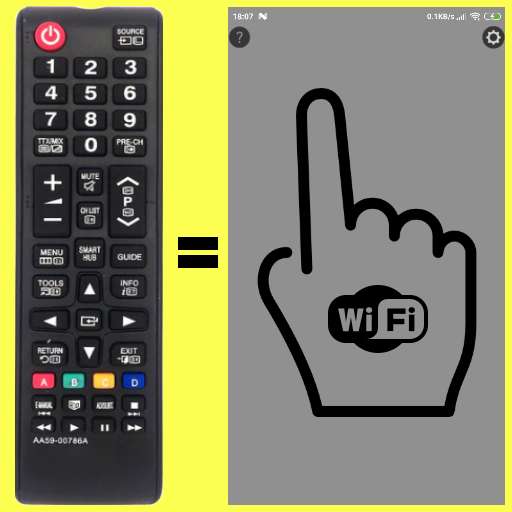
We provide Remote SAMSUNG TV(until 2015)WiFi Simple No button online (apkid: com.g.samsungtvremote) in order to run this application in our online Android emulator.
Description:
Run this app named Remote SAMSUNG TV(until 2015)WiFi Simple No button using MyAndroid.
You can do it using our Android online emulator.
***ONLY VALID FOR MODELS BEFORE 2016!!!***
SAMSUNG TV WiFi-Remote, Simple, No buttons, finger gestures
Basic functions : Volume/Channels/On/Off/Custom selected KEY
No need to look on Phone's screen for buttons!
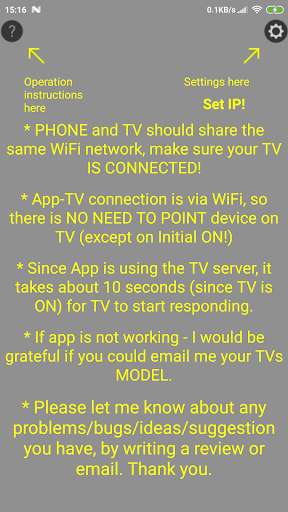
Click on HELP and SETTINGS icons(Top-left,Top-Right corner of screen) for instructions.
* turning the TV ON is by IR(Infrared) - point your device on TV(like original remote), and press for 3 seconds, until (confirmation) vibration.
* after few seconds remote will be connected to TV via WiFi (after that - you don't need to point device to TV)
** REMEMBER!!! you need to update app's settings(Top/Right corner of screen) with the TV's IP!
Disclaimer:
This app is made by me, and is NOT affiliated with, or endorsed by SAMSUNG .
SAMSUNG TV WiFi-Remote, Simple, No buttons, finger gestures
Basic functions : Volume/Channels/On/Off/Custom selected KEY
No need to look on Phone's screen for buttons!
Click on HELP and SETTINGS icons(Top-left,Top-Right corner of screen) for instructions.
* turning the TV ON is by IR(Infrared) - point your device on TV(like original remote), and press for 3 seconds, until (confirmation) vibration.
* after few seconds remote will be connected to TV via WiFi (after that - you don't need to point device to TV)
** REMEMBER!!! you need to update app's settings(Top/Right corner of screen) with the TV's IP!
Disclaimer:
This app is made by me, and is NOT affiliated with, or endorsed by SAMSUNG .
MyAndroid is not a downloader online for Remote SAMSUNG TV(until 2015)WiFi Simple No button. It only allows to test online Remote SAMSUNG TV(until 2015)WiFi Simple No button with apkid com.g.samsungtvremote. MyAndroid provides the official Google Play Store to run Remote SAMSUNG TV(until 2015)WiFi Simple No button online.
