

We provide MtcdMirroring online (apkid: com.f1xstudio.mtcdmirroring) in order to run this application in our online Android emulator.
Description:
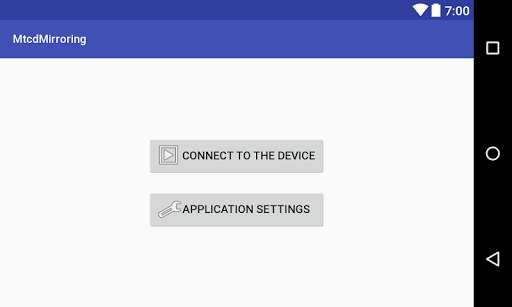
Run this app named MtcdMirroring using MyAndroid.
You can do it using our Android online emulator.
** In order to use MtcdMirroring app with your Android device, you must enable "USB debugging" in developer settings and accept "Allow USB debugging" when your Android device will prompt you **
** Furthermore, owners of Xiaomi devices must enable "USB debugging (Security Settings)" **
Features:
* Realtime streaming of touch events allows you to control your Android device by a Head Unit touchscreen.
* Realtime streaming of your Android device screen.
* Forwarding of the Head Unit key presses and Steering Wheel key presses to your Android device.
* Automatic streaming of the audio over Bluetooth A2DP.
** Furthermore, owners of Xiaomi devices must enable "USB debugging (Security Settings)" **
Features:
* Realtime streaming of touch events allows you to control your Android device by a Head Unit touchscreen.
* Realtime streaming of your Android device screen.
* Forwarding of the Head Unit key presses and Steering Wheel key presses to your Android device.
* Automatic streaming of the audio over Bluetooth A2DP.
MyAndroid is not a downloader online for MtcdMirroring. It only allows to test online MtcdMirroring with apkid com.f1xstudio.mtcdmirroring. MyAndroid provides the official Google Play Store to run MtcdMirroring online.
