
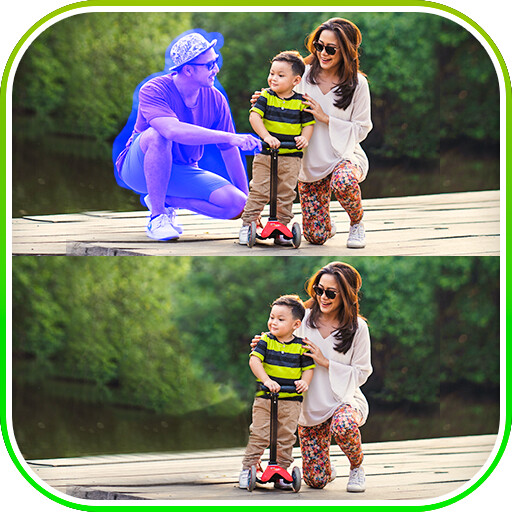
We provide Touch Background Photo Eraser online (apkid: com.expressway.erasebgtouch.sp) in order to run this application in our online Android emulator.
Description:
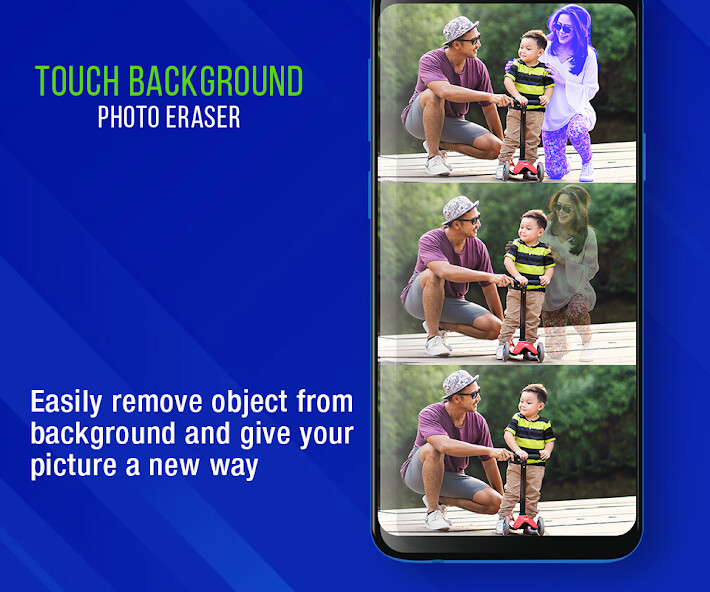
Run this app named Touch Background Photo Eraser using MyAndroid.
You can do it using our Android online emulator.
- Pick image from camera or gallery.
- You Can touch object and remove content in your image.
- You can erase the background and set a new background in your image.
- You can share your image with your friends.
Module :
-> Remove Background
-> Background Eraser
-> Saved Files
- Remove Background :
- you can crop image and set image in Remove background.
- Remove Object
- You can display the original image and remove the object image.
- Reset you image.
- Background eraser :
- you can crop image and set image in Remove background.
- Magic :
- Remove Background
- Restore Background.
- Eraser :
- erase objects which you want to remove accurately.
- Size X1,Size X2,Size X3,Size X4.
- Mirror :
- You can set the image left and right.
-Position :
- You can make the image size smaller or larger.
- undo and redo
- Editing Image :
- set filter on your image.
- set sticker on your image.
- you can add text on your edit image.
- you can change image brightness , contrast and saturation.
- Editing image background :
- you can change image brightness , contrast and Opacity.
- You can change the background image.
- You can select an image from the gallery and set the background image.
- save image.
- Preview image :
- You can display the saved image.
- You can share and delete image.
- Saved Files :
- You can display all save images.
Required Permission:
android.permission.CAMERA : get capture image from camera
android.permission.READ_EXTERNAL_STORAGE : get photos from device storage
- You Can touch object and remove content in your image.
- You can erase the background and set a new background in your image.
- You can share your image with your friends.
Module :
-> Remove Background
-> Background Eraser
-> Saved Files
- Remove Background :
- you can crop image and set image in Remove background.
- Remove Object
- You can display the original image and remove the object image.
- Reset you image.
- Background eraser :
- you can crop image and set image in Remove background.
- Magic :
- Remove Background
- Restore Background.
- Eraser :
- erase objects which you want to remove accurately.
- Size X1,Size X2,Size X3,Size X4.
- Mirror :
- You can set the image left and right.
-Position :
- You can make the image size smaller or larger.
- undo and redo
- Editing Image :
- set filter on your image.
- set sticker on your image.
- you can add text on your edit image.
- you can change image brightness , contrast and saturation.
- Editing image background :
- you can change image brightness , contrast and Opacity.
- You can change the background image.
- You can select an image from the gallery and set the background image.
- save image.
- Preview image :
- You can display the saved image.
- You can share and delete image.
- Saved Files :
- You can display all save images.
Required Permission:
android.permission.CAMERA : get capture image from camera
android.permission.READ_EXTERNAL_STORAGE : get photos from device storage
MyAndroid is not a downloader online for Touch Background Photo Eraser. It only allows to test online Touch Background Photo Eraser with apkid com.expressway.erasebgtouch.sp. MyAndroid provides the official Google Play Store to run Touch Background Photo Eraser online.
