

We provide Simple Silence online (apkid: com.dummies.simplesilence) in order to run this application in our online Android emulator.
Description:
Run this app named Simple Silence using MyAndroid.
You can do it using our Android online emulator.
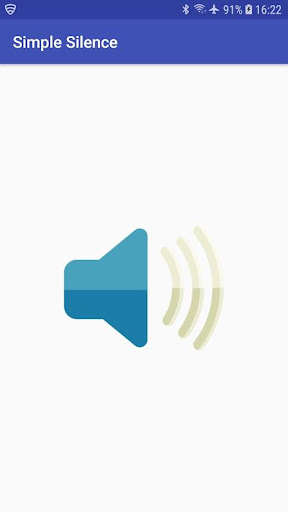
Simple Silence is a simple app that helps you quickly silence/unsilence your phone/tablet.
Simply open the app and tap the screen to toggle between ringer mode and silent mode.
NOTE: After installing Simple Silence, you must give it permission to modify Do not disturb settings.
To do this go to Settings -> Apps & notifications -> Advanced -> Special app access -> Do Not Disturb access.
Tap Simple Silence, toggle the radio button next to Allow Do Not Disturb, and tap Allow.
Simply open the app and tap the screen to toggle between ringer mode and silent mode.
NOTE: After installing Simple Silence, you must give it permission to modify Do not disturb settings.
To do this go to Settings -> Apps & notifications -> Advanced -> Special app access -> Do Not Disturb access.
Tap Simple Silence, toggle the radio button next to Allow Do Not Disturb, and tap Allow.
MyAndroid is not a downloader online for Simple Silence. It only allows to test online Simple Silence with apkid com.dummies.simplesilence. MyAndroid provides the official Google Play Store to run Simple Silence online.
