
We provide SecuNote online (apkid: com.droid.notepad) in order to run this application in our online Android emulator.
Description:
Run this app named SecuNote using MyAndroid.
You can do it using our Android online emulator.
The simplest secure notepad app available in the market.Take notes without any hassle and save them under a file name.Lock them with passwords with minimum 3 characters.
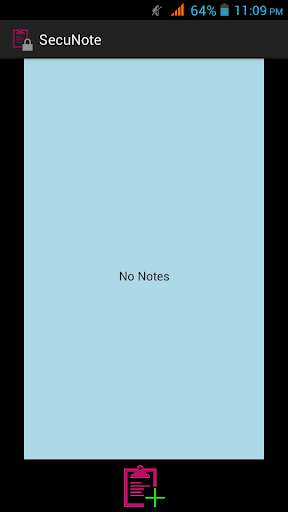
- To create a new note,click on the launcher icon at the bottom.
- To save it,click on the tick mark icon at the bottom left side.
- To edit a note,click on the file name,make changes and click the tick mark icon at the bottom left side.
- To delete a note,click on the file name,and click the dust bin icon at the bottom right side.
- To lock a note with a password,click on the file name and click "Enable Lock" option in menu.
NB: - This app does not use any of the encryption methods to encrypt the notes.It makes use of unique passwords for each note created by users which are required to view the respective notes.
- To create a new note,click on the launcher icon at the bottom.
- To save it,click on the tick mark icon at the bottom left side.
- To edit a note,click on the file name,make changes and click the tick mark icon at the bottom left side.
- To delete a note,click on the file name,and click the dust bin icon at the bottom right side.
- To lock a note with a password,click on the file name and click "Enable Lock" option in menu.
NB: - This app does not use any of the encryption methods to encrypt the notes.It makes use of unique passwords for each note created by users which are required to view the respective notes.
MyAndroid is not a downloader online for SecuNote. It only allows to test online SecuNote with apkid com.droid.notepad. MyAndroid provides the official Google Play Store to run SecuNote online.
