
We provide DeskRoll Remote Desktop online (apkid: com.deskroll.androidclient) in order to run this application in our online Android emulator.
Description:
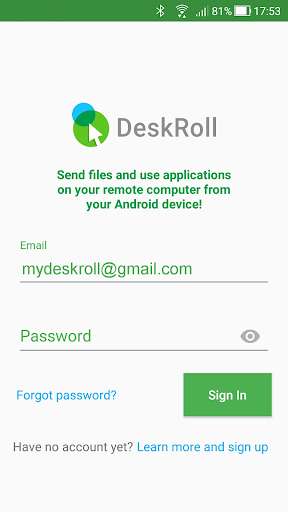
Run this app named DeskRoll Remote Desktop using MyAndroid.
You can do it using our Android online emulator.
Typical use cases:
- Access your home and office computers to work with applications.
- Help other people with their computers remotely.
- Do maintenance jobs on remote computers.
Main features:
- Control remote computers with intuitive gestures.
- Protect your access with 2 factor authentication and secondary passwords.
- Manage your contacts and computers.
- .
and do much more.
Getting started:
1.
Install the app.
2.
Create login.
3.
Start a demo session.
- Access your home and office computers to work with applications.
- Help other people with their computers remotely.
- Do maintenance jobs on remote computers.
Main features:
- Control remote computers with intuitive gestures.
- Protect your access with 2 factor authentication and secondary passwords.
- Manage your contacts and computers.
- .
and do much more.
Getting started:
1.
Install the app.
2.
Create login.
3.
Start a demo session.
MyAndroid is not a downloader online for DeskRoll Remote Desktop. It only allows to test online DeskRoll Remote Desktop with apkid com.deskroll.androidclient. MyAndroid provides the official Google Play Store to run DeskRoll Remote Desktop online.
