

We provide Crestron AirMedia online (apkid: com.crestron.airmedia) in order to run this application in our online Android emulator.
Description:
Run this app named Crestron AirMedia using MyAndroid.
You can do it using our Android online emulator.
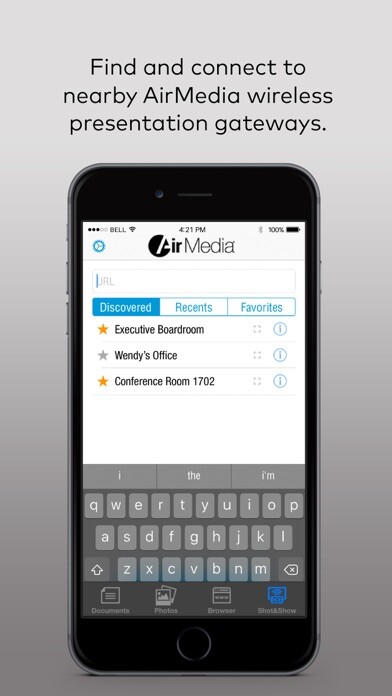
With Crestron AirMedia you can walk into a room and wirelessly present slides, spreadsheets, documents, on-device videos and photos, even web pages and apps all on the room display from your Android phone or tablet.
With new full screen device mirroring, presenting directly from your favorite app is more intuitive and with better quality than ever before.
The updated interface with optional Crestron Fusion calendaring and PinPoint proximity beacon support allows for the fastest full-screen connection experience available no more being tied to a laptop or podium.
Requires a Crestron AirMedia wireless gateway (AM-101), or Crestron product with AirMedia built-in: Crestron Mercury, DMPS3-4K-250-C, or DMPS3-4K-350-C.
AM-100 users will need to install the AirMedia for AM-100 app.
With new full screen device mirroring, presenting directly from your favorite app is more intuitive and with better quality than ever before.
The updated interface with optional Crestron Fusion calendaring and PinPoint proximity beacon support allows for the fastest full-screen connection experience available no more being tied to a laptop or podium.
Requires a Crestron AirMedia wireless gateway (AM-101), or Crestron product with AirMedia built-in: Crestron Mercury, DMPS3-4K-250-C, or DMPS3-4K-350-C.
AM-100 users will need to install the AirMedia for AM-100 app.
MyAndroid is not a downloader online for Crestron AirMedia. It only allows to test online Crestron AirMedia with apkid com.crestron.airmedia. MyAndroid provides the official Google Play Store to run Crestron AirMedia online.
