

We provide 4G Switcher - Force LTE Only online (apkid: com.argus.sava.networkmode) in order to run this application in our online Android emulator.
Description:
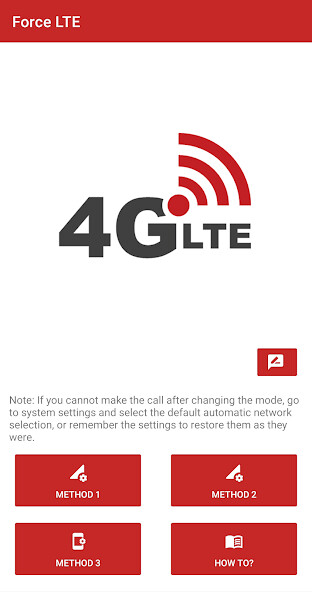
Run this app named 4G Switcher - Force LTE Only using MyAndroid.
You can do it using our Android online emulator.
Force 4G or any other network type or mode.
Now supports 5G network for appropriate devices.
You can use this app to easily Force 4G or any other type of network.
Note: Using this application may cause problems in receiving calls while using the selected mode, handle with care! If your operator does not support mobile calls via LTE, you will not be able to receive calls if you have selected the "Force 4G only" option, until you return to automatic network selection.
Carefully remember the settings that were before the change, to return them later.
If you still forget, go to system settings and select automatic network selection.
You can read detailed instructions in the application itself.
Modes available:
-LTE/UMTS
-LTE/UMTS/CDMA
-LTE only
-LTE/WCDMA
-LTE/CDMA
-CDMA only
-WCDMA only
-WCDMA preferred
-GSM only
Now supports 5G network for appropriate devices.
You can use this app to easily Force 4G or any other type of network.
Note: Using this application may cause problems in receiving calls while using the selected mode, handle with care! If your operator does not support mobile calls via LTE, you will not be able to receive calls if you have selected the "Force 4G only" option, until you return to automatic network selection.
Carefully remember the settings that were before the change, to return them later.
If you still forget, go to system settings and select automatic network selection.
You can read detailed instructions in the application itself.
Modes available:
-LTE/UMTS
-LTE/UMTS/CDMA
-LTE only
-LTE/WCDMA
-LTE/CDMA
-CDMA only
-WCDMA only
-WCDMA preferred
-GSM only
MyAndroid is not a downloader online for 4G Switcher - Force LTE Only. It only allows to test online 4G Switcher - Force LTE Only with apkid com.argus.sava.networkmode. MyAndroid provides the official Google Play Store to run 4G Switcher - Force LTE Only online.
