

We provide Classic Big Keyboard online (apkid: com.appstech.classic) in order to run this application in our online Android emulator.
Description:
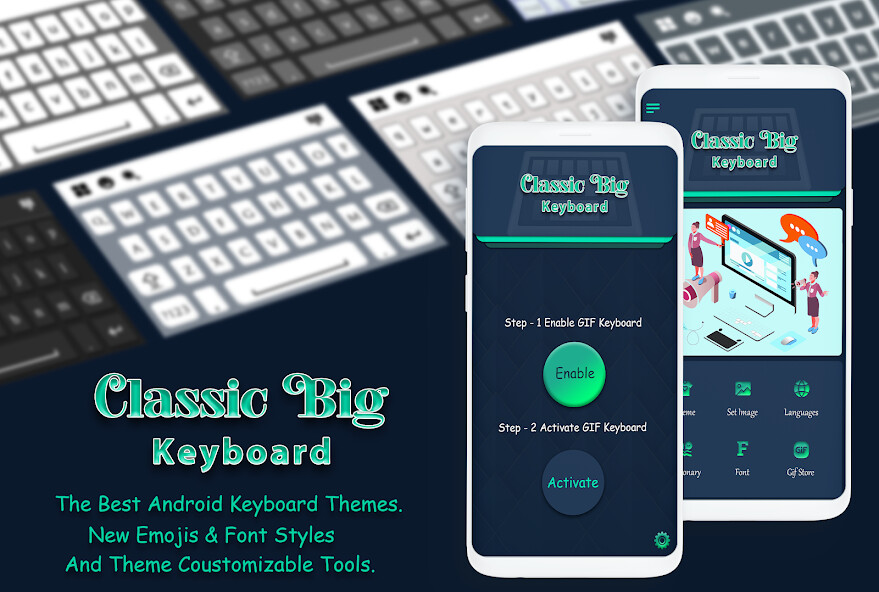
Run this app named Classic Big Keyboard using MyAndroid.
You can do it using our Android online emulator.
Adjust the size of the keys and their font.
Change the typing sound and vibration.
Customize dictionaries, predictions, auto corrections, define shortcuts to your own phrases and more.
Customize your typing preferences.
Customize the look of the keyboard and the information displayed on it.
Select your favorite theme from many themes which are unique to the Classic Keyboard.
Select your favorite top and bottom rows of the keyboard.
"Swipe typing" by dragging your fingers across keys to type.
Voice typing by translating your speech to text.
Define your favorite "gestures" for making predefined actions by swiping your fingers on the keyboard (Ex.
swipe spacebar up to open a popup utility keyboard).
The newest Emojis are built in the keyboard and are continuously updated.
Tips:
Swipe the spacebar from side to side for switching between languages.
Long press the enter key to open the keyboard settings.
Long press or double click the shift key for "caps lock".
Long press the emoji button to open a textual emojis popup.
Show the hidden symbols which are typed by long pressing on the keys (enable in Settings Themes Show hidden symbols).
Change the typing sound and vibration.
Customize dictionaries, predictions, auto corrections, define shortcuts to your own phrases and more.
Customize your typing preferences.
Customize the look of the keyboard and the information displayed on it.
Select your favorite theme from many themes which are unique to the Classic Keyboard.
Select your favorite top and bottom rows of the keyboard.
"Swipe typing" by dragging your fingers across keys to type.
Voice typing by translating your speech to text.
Define your favorite "gestures" for making predefined actions by swiping your fingers on the keyboard (Ex.
swipe spacebar up to open a popup utility keyboard).
The newest Emojis are built in the keyboard and are continuously updated.
Tips:
Swipe the spacebar from side to side for switching between languages.
Long press the enter key to open the keyboard settings.
Long press or double click the shift key for "caps lock".
Long press the emoji button to open a textual emojis popup.
Show the hidden symbols which are typed by long pressing on the keys (enable in Settings Themes Show hidden symbols).
MyAndroid is not a downloader online for Classic Big Keyboard. It only allows to test online Classic Big Keyboard with apkid com.appstech.classic. MyAndroid provides the official Google Play Store to run Classic Big Keyboard online.
