

We provide Easy File Transfer online (apkid: com.appmaker.ftpserver) in order to run this application in our online Android emulator.
Description:
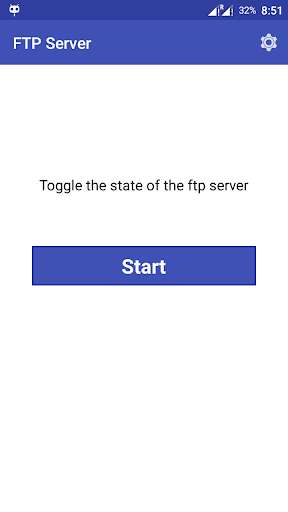
Run this app named Easy File Transfer using MyAndroid.
You can do it using our Android online emulator.
File Transfer lets you upload and download files to/from your phone or tablet over a wireless connection.
FILE TRANSFER FEATURES:
--> Upload or download multiple files at once.
--> Delete, rename, copy, zip or unzip files.
--> Password authentication for security over Wireless lan.
--> Shortcuts to photo, Video and music directories.
--> A simple 1 X 1 home screen widget to start/stap file transfer.
--> Provides access to external SD cards and USB storage devices.
HOW TO USE:
--> Ensure your phone and computer connect in the same WiFi network;
--> Start WiFi File Transfer by turn on the button;
--> Copy and paste the URL noticed into your FTP Client or Windows file explorer, then you scan and manager files in your Phone on your computer.
FILE TRANSFER FEATURES:
--> Upload or download multiple files at once.
--> Delete, rename, copy, zip or unzip files.
--> Password authentication for security over Wireless lan.
--> Shortcuts to photo, Video and music directories.
--> A simple 1 X 1 home screen widget to start/stap file transfer.
--> Provides access to external SD cards and USB storage devices.
HOW TO USE:
--> Ensure your phone and computer connect in the same WiFi network;
--> Start WiFi File Transfer by turn on the button;
--> Copy and paste the URL noticed into your FTP Client or Windows file explorer, then you scan and manager files in your Phone on your computer.
MyAndroid is not a downloader online for Easy File Transfer. It only allows to test online Easy File Transfer with apkid com.appmaker.ftpserver. MyAndroid provides the official Google Play Store to run Easy File Transfer online.
