
We provide Simple Digital Clock online (apkid: com.akinilkyaz.apps.verysimpledigitaldeskclock) in order to run this application in our online Android emulator.
Description:
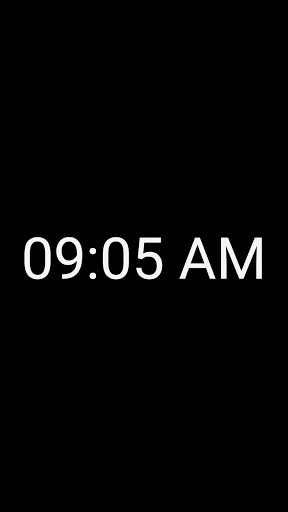
Run this app named Simple Digital Clock using MyAndroid.
You can do it using our Android online emulator.
The program is very simple usage, just download and run.
Your phone or tablet will be transformed into a full-screen clock.
It is ideal in order to older phones to convert a desk clock.
If you need an easy read bedside table clock, this application is right for you.
How to use:
- Tap the screen once in order to see the menu key.
- Tap the screen once to full screen.
Menu options:
- Background color.
- Clock color.
- Reset colors.
- Show seconds.
- Time settings.
Features:
- Completely free, it contains no advertising and does not use the internet.
- You can use the portrait or landscape positions.
- It is use low battery power thanks to it' simple algorithm.
- It is run on Android 4.2 (Jelly Bean, API 17) and over version.
Tip: For lower battery consumption, adjust brightness settings to automatic or lower brightness.
Your phone or tablet will be transformed into a full-screen clock.
It is ideal in order to older phones to convert a desk clock.
If you need an easy read bedside table clock, this application is right for you.
How to use:
- Tap the screen once in order to see the menu key.
- Tap the screen once to full screen.
Menu options:
- Background color.
- Clock color.
- Reset colors.
- Show seconds.
- Time settings.
Features:
- Completely free, it contains no advertising and does not use the internet.
- You can use the portrait or landscape positions.
- It is use low battery power thanks to it' simple algorithm.
- It is run on Android 4.2 (Jelly Bean, API 17) and over version.
Tip: For lower battery consumption, adjust brightness settings to automatic or lower brightness.
MyAndroid is not a downloader online for Simple Digital Clock. It only allows to test online Simple Digital Clock with apkid com.akinilkyaz.apps.verysimpledigitaldeskclock. MyAndroid provides the official Google Play Store to run Simple Digital Clock online.
