

We provide Mixcraft Remote online (apkid: com.acoustica.controlsurface) in order to run this application in our online Android emulator.
Description:
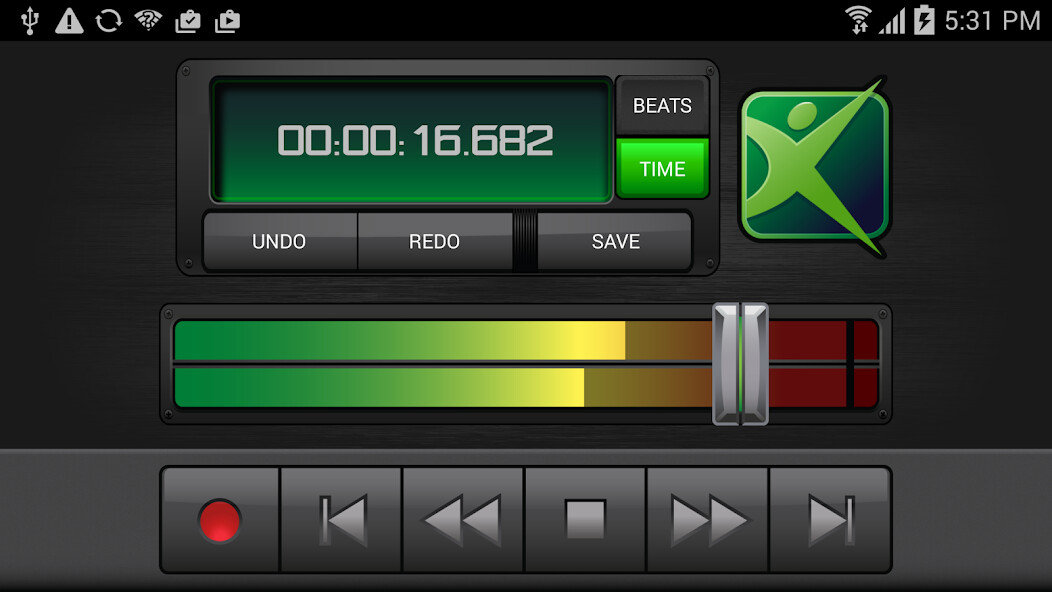
Run this app named Mixcraft Remote using MyAndroid.
You can do it using our Android online emulator.
***This app requires Mixcraft to be installed on a Windows computer!***
The Mixcraft Remote App lets you easily control your Mixcraft recording software from your Android phone or tablet.
You can start recording and playback, change the recording & playback position, control the master volume, undo and redo actions, and save your Mixcraft project from anywhere in your studio.
Strap on your guitar, adjust your microphone, and start recording right from your Android device, from across the room or across the hall!
Just connect your device to your wireless network and follow the included instructions.
Break away from your mouse with the Mixcraft Remote!
The Mixcraft Remote App lets you easily control your Mixcraft recording software from your Android phone or tablet.
You can start recording and playback, change the recording & playback position, control the master volume, undo and redo actions, and save your Mixcraft project from anywhere in your studio.
Strap on your guitar, adjust your microphone, and start recording right from your Android device, from across the room or across the hall!
Just connect your device to your wireless network and follow the included instructions.
Break away from your mouse with the Mixcraft Remote!
MyAndroid is not a downloader online for Mixcraft Remote. It only allows to test online Mixcraft Remote with apkid com.acoustica.controlsurface. MyAndroid provides the official Google Play Store to run Mixcraft Remote online.
