

We provide Brewguide online (apkid: co.acaia.android.brewguide) in order to run this application in our online Android emulator.
Description:
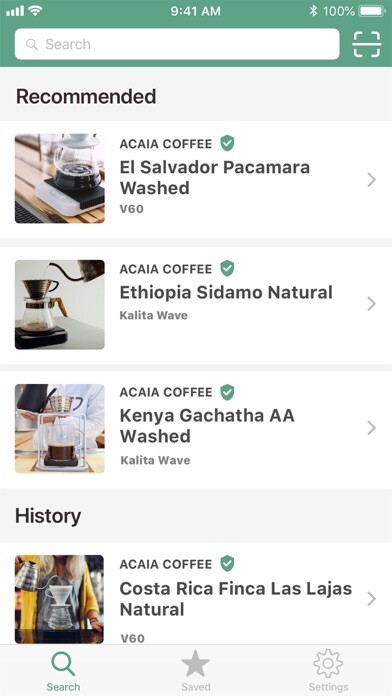
Run this app named Brewguide using MyAndroid.
You can do it using our Android online emulator.
Welcome to your new scale! The Acaia Pearl S pairs with all of our apps but this is the one to use to set up the scale.
If you dont have a Pearl S, you can still browse and create recipes.
In Brewguide, you can:
* Walk through a setup guide to adjust settings like turning on/off modes, changing the weight unit, adjusting the auto-off timer, turning on/off the button sound, and changing the temperature unit.
* Personalize your Pearl S with your own loading message
* Browse official recipes or create your own with a QR code or link
* Easily transfer a recipe to your Pearl S - the scale holds one recipe at a time
To enter Brewguide mode, where you view the loaded recipes prompted steps, hold the Tare button until you see Brewguide on the scale.
If you dont have a Pearl S, you can still browse and create recipes.
In Brewguide, you can:
* Walk through a setup guide to adjust settings like turning on/off modes, changing the weight unit, adjusting the auto-off timer, turning on/off the button sound, and changing the temperature unit.
* Personalize your Pearl S with your own loading message
* Browse official recipes or create your own with a QR code or link
* Easily transfer a recipe to your Pearl S - the scale holds one recipe at a time
To enter Brewguide mode, where you view the loaded recipes prompted steps, hold the Tare button until you see Brewguide on the scale.
MyAndroid is not a downloader online for Brewguide. It only allows to test online Brewguide with apkid co.acaia.android.brewguide. MyAndroid provides the official Google Play Store to run Brewguide online.
