

We provide Hopkins Self-Checkout online (apkid: ca.bintec.meescan.c84058430) in order to run this application in our online Android emulator.
Description:
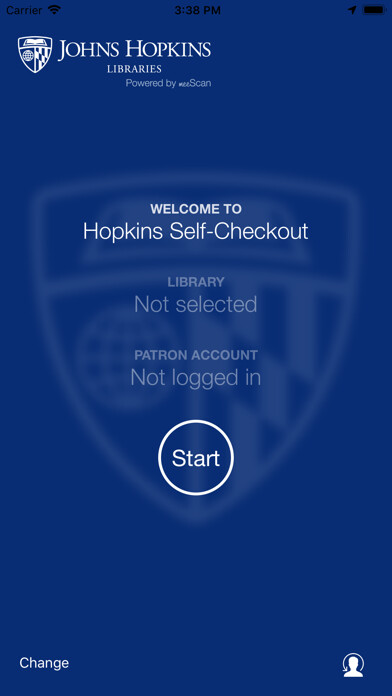
Run this app named Hopkins Self-Checkout using MyAndroid.
You can do it using our Android online emulator.
Hopkins Self-Checkout is an easy, fast way to borrow books from the Johns Hopkins Libraries.
Currently implemented at the Milton S.
Eisenhower Library, Brody Learning Commons and Sheridan Libraries at DC, Self-Checkout uses your iOS phone or tablet to check out items anywhere in these buildings.
To borrow books:
Download the Hopkins Self-Checkout app to your phone or tablet
Open the app and sign in with your JHED credentials
Scan book barcodes; Finish
Self-Checkout will email you a receipt with due dates
If the books are going to your locker or carrel, youre done!
If you are leaving Eisenhower or BLC with the books, desensitize them at the station near the Service Desk
Questions? Ask at the Service Desk or email [email protected]
MyAndroid is not a downloader online for Hopkins Self-Checkout. It only allows to test online Hopkins Self-Checkout with apkid ca.bintec.meescan.c84058430. MyAndroid provides the official Google Play Store to run Hopkins Self-Checkout online.
