

We provide Repost for Instagram:Repost online (apkid: apple.com.linsuan.superrepost) in order to run this application in our online Android emulator.
Description:
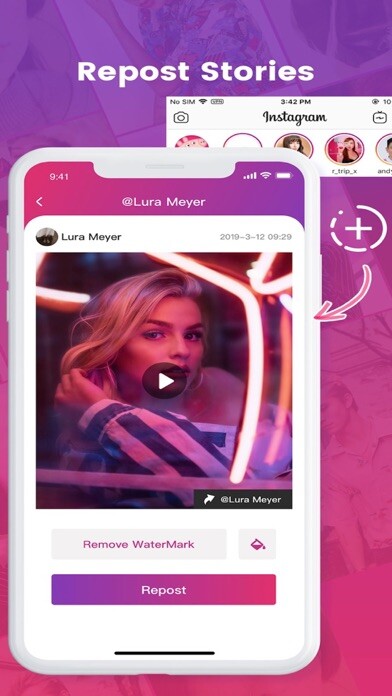
iPhone app Repost for Instagramï¼Repost download it using MyAndroid.
Reposting photos and videos from Instagram has never been easier!
1.
Open Instagram
2.
Find the photo or Video you want to forward
3.
Tap the button in the upper right corner, and select Copy link
4.
Return to Repost and wait for the post to display!
Want to repost your favorite Instagram photos and videos?
Want to share all the best posts on Instagram with all your friends?
Reposting for Instagram allows you to repost and paste photos and videos to Instagram.
You no longer need to take a screenshot of the photo to repost.
Republish! It also allows you to repost your videos!
Do you know the benefits of reposting? Use the app to republish posts, republish pictures and videos igtv, you can attract followers, get followers and likes for free on Instagram, and buffer&hootsuite enhances the insight of your Instagram account.
Very good management and analysis of Instagram followers.
This is the benefit of republishing the post.
Download and forward now, and start sharing with all your friends!,
MyAndroid is not a downloader online for Repost for Instagram:Repost. It only allows to test online Repost for Instagram:Repost with apkid apple.com.linsuan.superrepost. MyAndroid provides the official Google Play Store to run Repost for Instagram:Repost online.
