
We provide Trace My Ways online (apkid: apple.ca.ryerson.tracemyways) in order to run this application in our online Android emulator.
Description:
iPhone app Trace My Ways download it using MyAndroid.
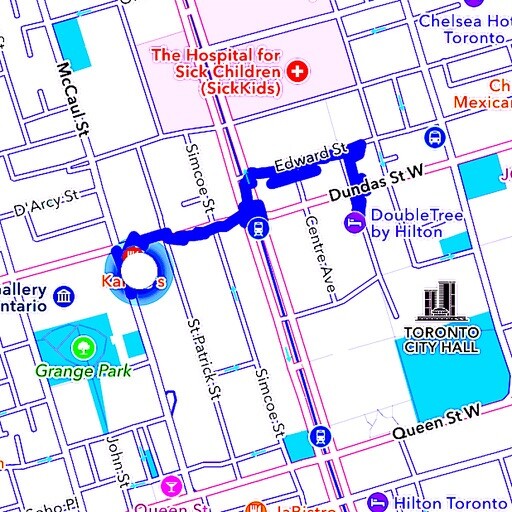
This app marks your path on a map from where you started to walk or drive to where your current location is.
The app works even when put in the background (i.e.
when the home button was pressed).
Latitude, longitude, speed, course (heading), altitude, total distance traveled in kilometres and miles and a date and time stamp are shown on a map overlay in real time.
Waypoint pins are dropped on the map by a long touch and callouts by a regular touch on the pins.
This action displays the point of interest entered previously in a text field and the distance traveled at the time the pin was dropped.
A text field generates customized waypoint titles.
The same text field together with a Search button serves as the input for searching locations.
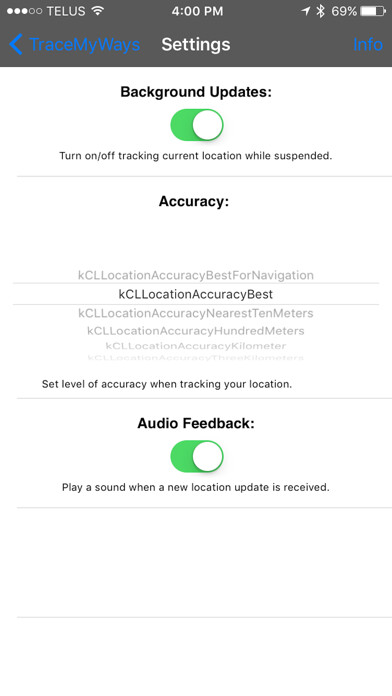
On the Settings view there are 6 accuracy modes and a switch control that turns background updates on or off.
Also on the Settings menu there is a switch control that can be used to turn an audio feedback signal on or off when a new location update is received.
Detailed instructions are provided on a separate Info view.
No account sign-up, log-in, or in-app purchases are necessary.
Just install and run.
This app may use your location even when it isnt open, which can decrease device battery life.,
MyAndroid is not a downloader online for Trace My Ways. It only allows to test online Trace My Ways with apkid apple.ca.ryerson.tracemyways. MyAndroid provides the official Google Play Store to run Trace My Ways online.
