
We provide Proteus Remote online (apkid: appinventor.ai.proteusdesignsinc.proteuspropremote.v01) in order to run this application in our online Android emulator.
Description:
Run this app named Proteus Remote using MyAndroid.
You can do it using our Android online emulator.
Every Titan, Delta and LightSword made by Proteus Designs, LLC is Bluetooth enabled which allows you to control your smart, LED prop with any Android Device.
Get more out of your Smart Prop with this remote! Access more of the available features such as Refresh Speed, AutoChange, Hue Shift and more!
To connect to your Prop: First go into your phone's Bluetooth settings and scan for your prop.
Pair your phone to your prop using it's pin which is listed on the packaging and on the battery box.
After pairing, you will have to cycle the power to your prop by removing the battery from the battery compartment and waiting 3-5 seconds.
Replace the batteries and wait for your prop to boot again.
(This process will only need to be done once per device.)
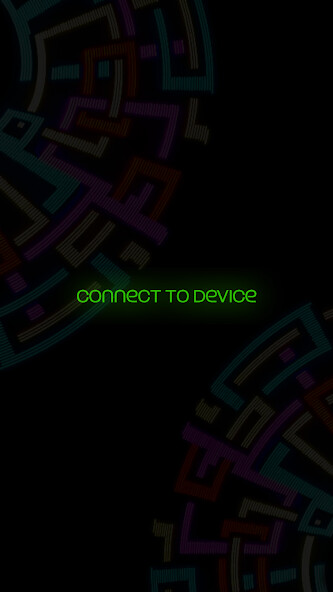
After you've finished pairing your prop, open the Proteus Remote app and press "Connect to Device".
Choose your prop from the available option and you'll be ready to go!
Try passing your remote off to a friend or have them download this app and pair it to your prop to let them control the show!
Don't forget to tag us on Instagram & Facebook @ProteusKinetics !
Strive.Adapt.Shine.
Get more out of your Smart Prop with this remote! Access more of the available features such as Refresh Speed, AutoChange, Hue Shift and more!
To connect to your Prop: First go into your phone's Bluetooth settings and scan for your prop.
Pair your phone to your prop using it's pin which is listed on the packaging and on the battery box.
After pairing, you will have to cycle the power to your prop by removing the battery from the battery compartment and waiting 3-5 seconds.
Replace the batteries and wait for your prop to boot again.
(This process will only need to be done once per device.)
After you've finished pairing your prop, open the Proteus Remote app and press "Connect to Device".
Choose your prop from the available option and you'll be ready to go!
Try passing your remote off to a friend or have them download this app and pair it to your prop to let them control the show!
Don't forget to tag us on Instagram & Facebook @ProteusKinetics !
Strive.Adapt.Shine.
MyAndroid is not a downloader online for Proteus Remote. It only allows to test online Proteus Remote with apkid appinventor.ai.proteusdesignsinc.proteuspropremote.v01. MyAndroid provides the official Google Play Store to run Proteus Remote online.
