

We provide WindSpeed SMS online (apkid: windspeed.sms) in order to run this application in our online Android emulator.
Description:
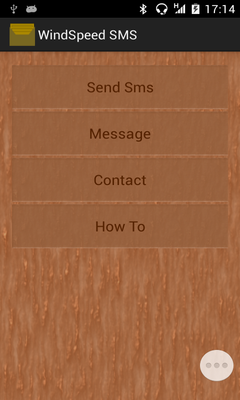
Download this app named WindSpeed SMS.
Below are part of the steps to use this lightweight application:1) You can send message to any contact by either browsing through the contact list or create a new contact.
If you select the contact from the contact list then all you need is to press on the next button on your soft keyboard until you reach the message editor while you are in the message sending page without even need to worry about filling in the phone number of your contact.
If you have not yet sent any message then you will need to fill in the contact name and phone number on the first time, next time you can just do as previously mentioned step.
Once you have done typing the message just touch on the message editor again to hide the soft keyboard then press on the send button to send your message (there might be a little bits more steps here, I will improve on this part on the next version).
2) You can also directly send a message by replying to the incoming sms.
3) If you need to browse back to the main page then just touch on the title on every page except the main one.
There are more features that I am not cover here that need you to discover by yourself! Since this is a new app therefore there might have some bugs in it, don't worry I will fix it if there is any bug in this app.
Updates:
1) Directly get to the new message page has been included
Free download Android WindSpeed SMS from MyAndroid.net
MyAndroid is not a downloader online for WindSpeed SMS. It only allows to test online WindSpeed SMS with apkid windspeed.sms. MyAndroid provides the official Google Play Store to run WindSpeed SMS online.
