
We provide Vialer online (apkid: vialer) in order to run this application in our online Android emulator.
Description:
Download this app named Vialer.
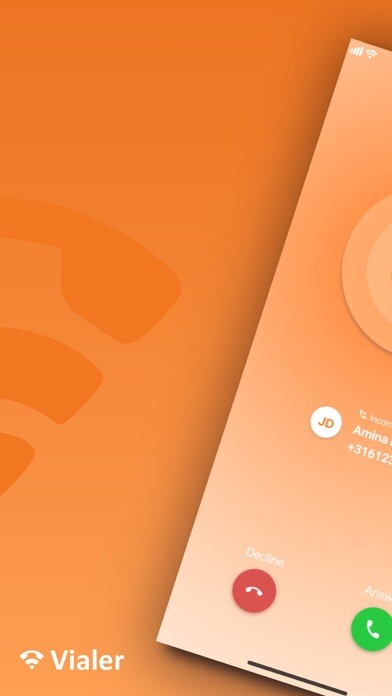
With the Vialer app you can use your smartphone for calling customers with your business phone number.You can also find the dialed and received calls quickly and easily in the recents call list.
Moreover, you can view and modify the dial plan, statistics, and accessibility at any time you want.
Calling over 4G and WiFi
You call over 4G or WiFi with the Vialer app.
All you need is a VoIP account that is connected to your user account.
With the VoIP account you can immediately start making VoIP calls.
If you do not have a 4G connection, the Vialer app uses the two-step conversation: it calls your mobile number first and then connects you to the contact you chose, showing him your business phone number.
Note: To use this app, you need a user account provided by your hosted PBX supplier.
Want to learn more about the app? Go to https: //vialerapp.com
Updates:
Improvement:- Improved performance during onboarding.
Bugfix:
- Resolved crash that would occasionally occur when using the keypad.
- Resolved crash that would occasionally occur when updating account information.
Free download Android Vialer from MyAndroid.net
MyAndroid is not a downloader online for Vialer. It only allows to test online Vialer with apkid vialer. MyAndroid provides the official Google Play Store to run Vialer online.
