
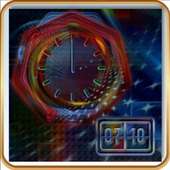
We provide TSF Shell Theme Techno Rainbow online (apkid: tsf.shell.theme.techno.rainbow) in order to run this application in our online Android emulator.
Description:

Download this app named TSF Shell Theme Techno Rainbow.
TSF Shell Launcher Theme Techno rainbowThe Theme includes four wallpapers, clock and package of icons.
To install the Theme:
- Install TSF Shell Launcher (it must be obtained separately).
- Install the Theme.
- Tap on Settings and choose Theme.
- Select the Theme and apply it.
To Change the Wallpaper: Find Theme's wallpaper and apply it.
To Open the Clock: Select "Widgets" and find the Theme's Alarm clock.
Updates:
Added support: TSF Shell V3
Free download Android TSF Shell Theme Techno Rainbow from MyAndroid.net
MyAndroid is not a downloader online for TSF Shell Theme Techno Rainbow. It only allows to test online TSF Shell Theme Techno Rainbow with apkid tsf.shell.theme.techno.rainbow. MyAndroid provides the official Google Play Store to run TSF Shell Theme Techno Rainbow online.
