

We provide Text Generator Pro online (apkid: textconverter.en) in order to run this application in our online Android emulator.
Description:
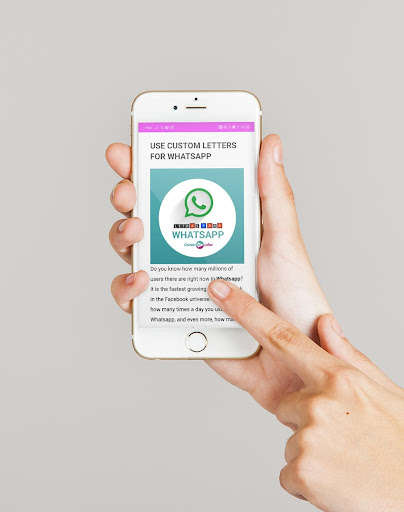
Run this app named Text Generator Pro using MyAndroid.
You can do it using our Android online emulator.
If you need fancy lyrics, and you want to be able to copy and paste your custom text into the comments section of funny cat videos, but maybe you're wondering how it's possible to change the font of your text? Is this some kind of trick? Are you copying and pasting a real font?
Well, the answer is really no - instead of generating custom fonts, this font converter creates custom symbols and fonts.
The explanation begins with unicode; an industry standard that creates the specification for thousands of different symbols and characters.
All the characters you see on your electronic devices, and printed on books, are probably specified by the unicode standard.
Among the hundreds of thousands of symbols found in unicode text specifications are certain characters that resemble, or are variations of, the alphabet and other keyword symbols.
For example, if we can take the phrase "thug life" and convert its characters into the fantasy letters " " which are a set of unicode symbols.
These different sets of fancy text letters are scattered throughout the unicode specification, and therefore to create a fancy text translator, it is just a matter of finding these sets of letters and symbols, and linking them to their normal alphabetic equivalents.
Unicode has a large number of symbols, so we can also create other things like a wingding translator.
Well, the answer is really no - instead of generating custom fonts, this font converter creates custom symbols and fonts.
The explanation begins with unicode; an industry standard that creates the specification for thousands of different symbols and characters.
All the characters you see on your electronic devices, and printed on books, are probably specified by the unicode standard.
Among the hundreds of thousands of symbols found in unicode text specifications are certain characters that resemble, or are variations of, the alphabet and other keyword symbols.
For example, if we can take the phrase "thug life" and convert its characters into the fantasy letters " " which are a set of unicode symbols.
These different sets of fancy text letters are scattered throughout the unicode specification, and therefore to create a fancy text translator, it is just a matter of finding these sets of letters and symbols, and linking them to their normal alphabetic equivalents.
Unicode has a large number of symbols, so we can also create other things like a wingding translator.
MyAndroid is not a downloader online for Text Generator Pro. It only allows to test online Text Generator Pro with apkid textconverter.en. MyAndroid provides the official Google Play Store to run Text Generator Pro online.
