
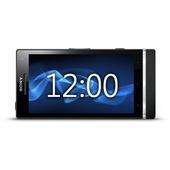
We provide Sony Xperia S Desk Clock online (apkid: sony.xperia.s.desk.clock) in order to run this application in our online Android emulator.
Description:
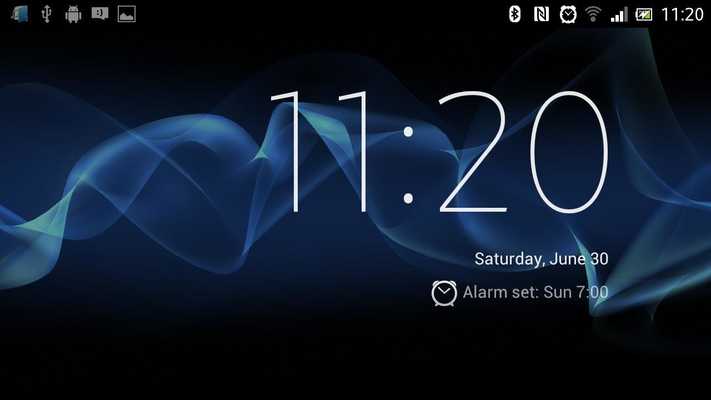
Download this app named Sony Xperia S Desk Clock.
Have you seen the Xperia S Desk clock in ICS? Its beautiful.To launch it you have to launch the clock app and then the icon on the bottom left.
Until Now
Xperia Desk Clock launches the Sony app directly.
NOTE: This only works for the Sony Xperia S using the factory ICS ROM.
(thanks gibbylinks)
I plan to use this in 2 ways, either through LiveWare to launch it when a charger is connected, or via a SmartTag (see my other apps for making these)
Enjoy.
Oh, if you dont have an Xperia S, this will not work for you.
Oh, and just for clarity, I didn't write the clock, only the ability to directly launch the clock.
Credit for that goes 100% to SONY
Also note, this only works on Sony Xperia S phones.
Please don't leave a 1 star review if it doesn't work on you SK17i (SX Mini Pro).
You know who you are : )
That also applies to the Samsung S3, Mr Frenchman : )
Updates:
I noticed a few too many people trying this on the wrong type of phone and then complaining about it.I have modified the error message to be a little more explicit.
I have also had the opportunity to test it on a GB ROM and it didn't work.
GB support has been removed.
Free download Android Sony Xperia S Desk Clock from MyAndroid.net
MyAndroid is not a downloader online for Sony Xperia S Desk Clock. It only allows to test online Sony Xperia S Desk Clock with apkid sony.xperia.s.desk.clock. MyAndroid provides the official Google Play Store to run Sony Xperia S Desk Clock online.
